Choose File Filters for a OneDrive Export
Understand Note’s extension, size and overwrite settings before exporting OneDrive files.
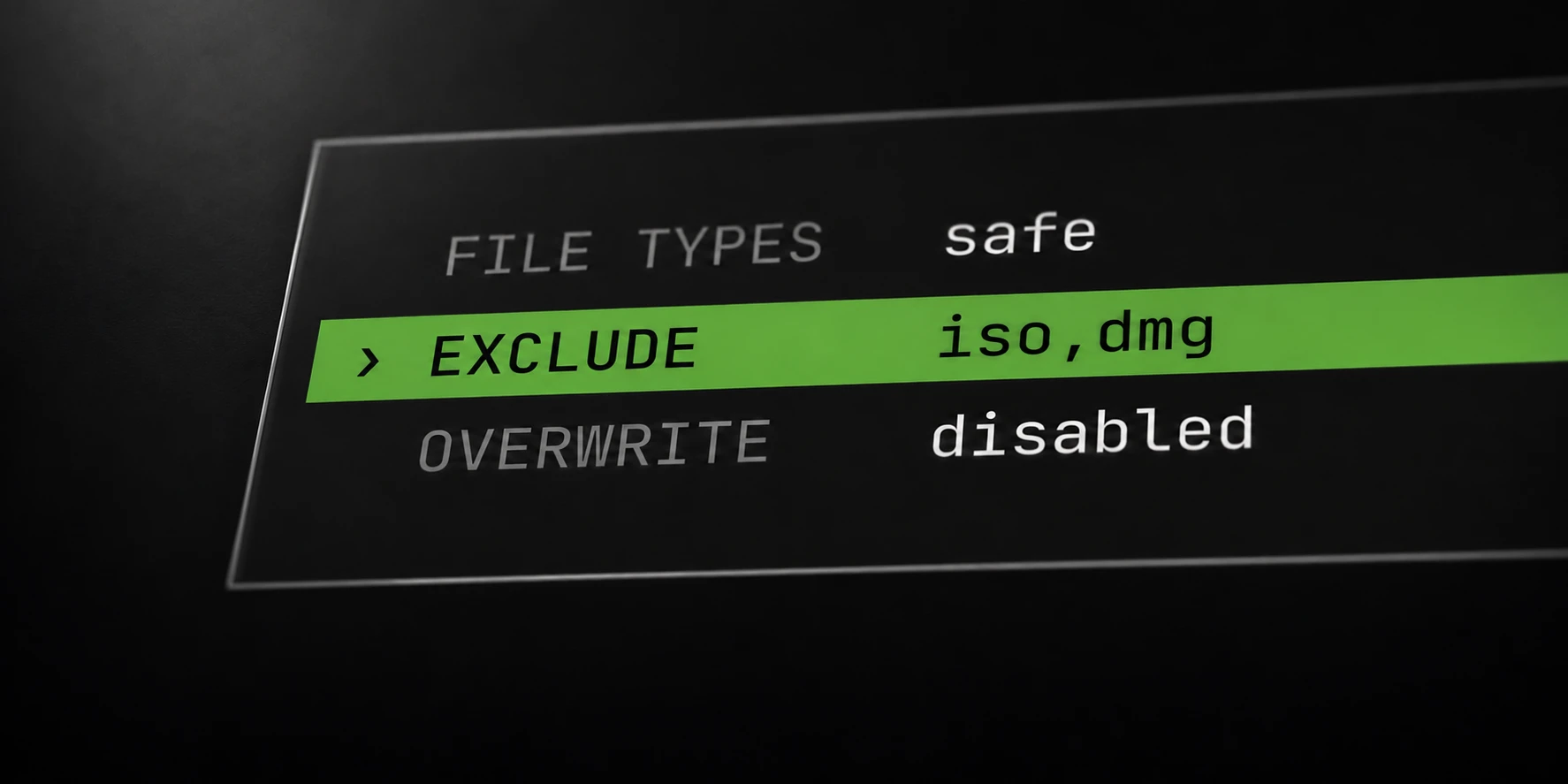
Choose export filters around the files you actually need. A smaller completed selection is often easier to verify than an unexplained collection of skipped files. Note combines extension, size, exclusion and overwrite rules when deciding what to download.
Record those settings with the export. Otherwise, a later comparison cannot reliably distinguish a changed source from a changed selection.
Choose the file types you need
Note offers a safe extension list, all allowed types, or a custom extension list. The safe list includes common document, image, audio, video, text and archive formats. Consult the documentation for the full current list.
A custom list is useful when you only need a defined set of extensions. For example, choose the supported PDF and text extensions when reviewing a document-only export. Test that choice on a small folder before using it across many accounts.
The all setting does not override the blocked executable and script extensions. Do not use it as a promise that every remote object or file type will be downloaded.
An extension rule describes selection, not whether a file’s content is valid. Verify important downloaded files with the application that is expected to read them.
Set size and overwrite rules
The maximum-file-size setting applies to individual files. Its default is 1,000 MB; zero means no configured size limit. It does not reserve local disk space or guarantee enough capacity for an unlimited selection.
Suppose a selected folder contains several small documents and one file larger than your configured maximum. The oversized file is skipped by that rule even if its extension is allowed. This is an illustrative decision, not a failed-transfer example.
Overwrite is off by default. If a destination file already exists, a skip may be the expected result. Decide deliberately whether replacing existing local files is appropriate for the export.
Exclusion filters also apply before a download. Check them when a file seems eligible by extension and size but still falls outside the selected scope.
Explain skipped files before retrying
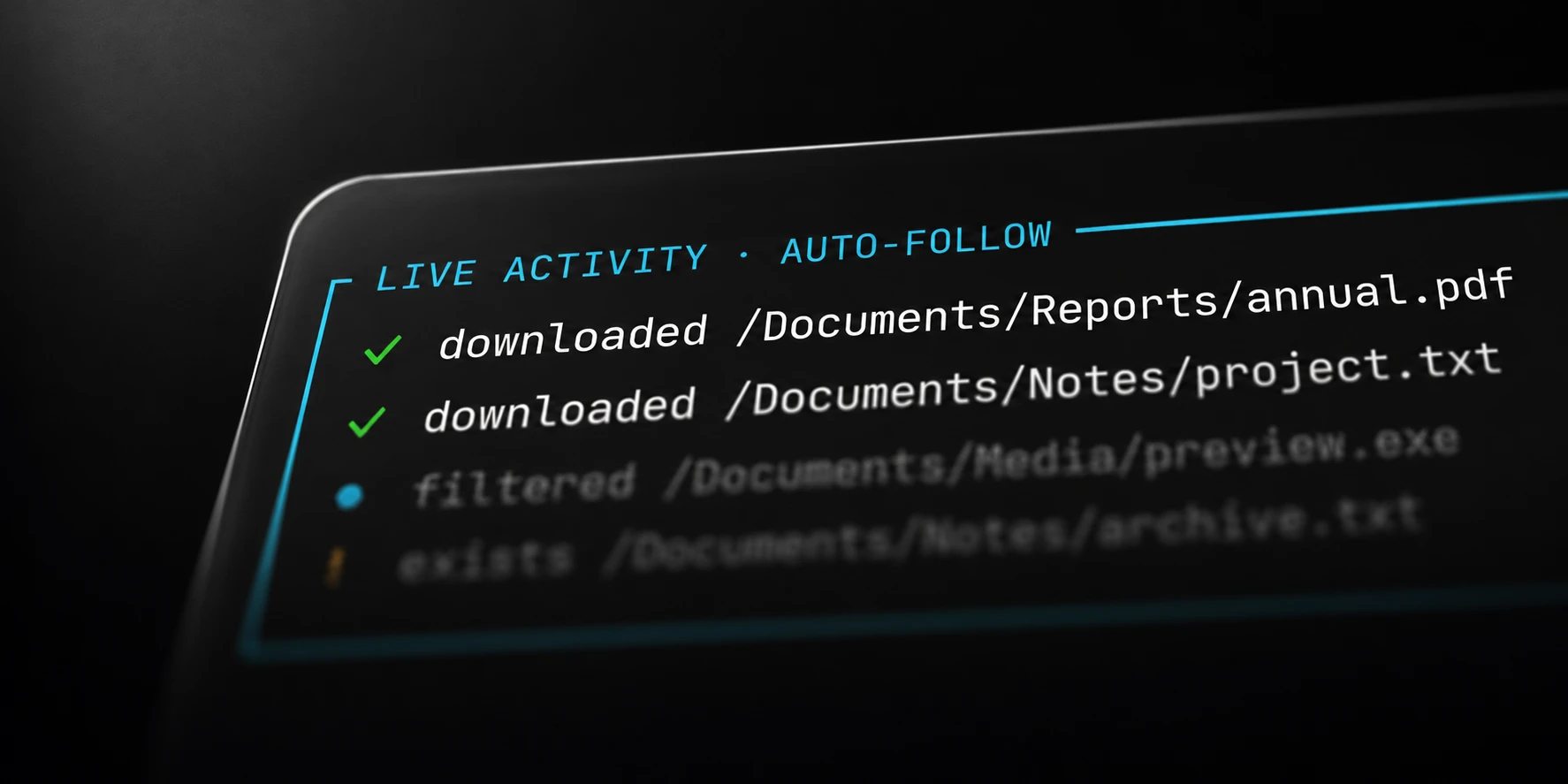
Review the reported categories after the run. Filtered, oversized, unsupported, missing and already existing files need different follow-up decisions. Repeating the same configuration will not make a deliberately excluded file eligible.
Keep a short record of the source folder and active filters. If you change settings for a retry, record what changed so new output can be explained.
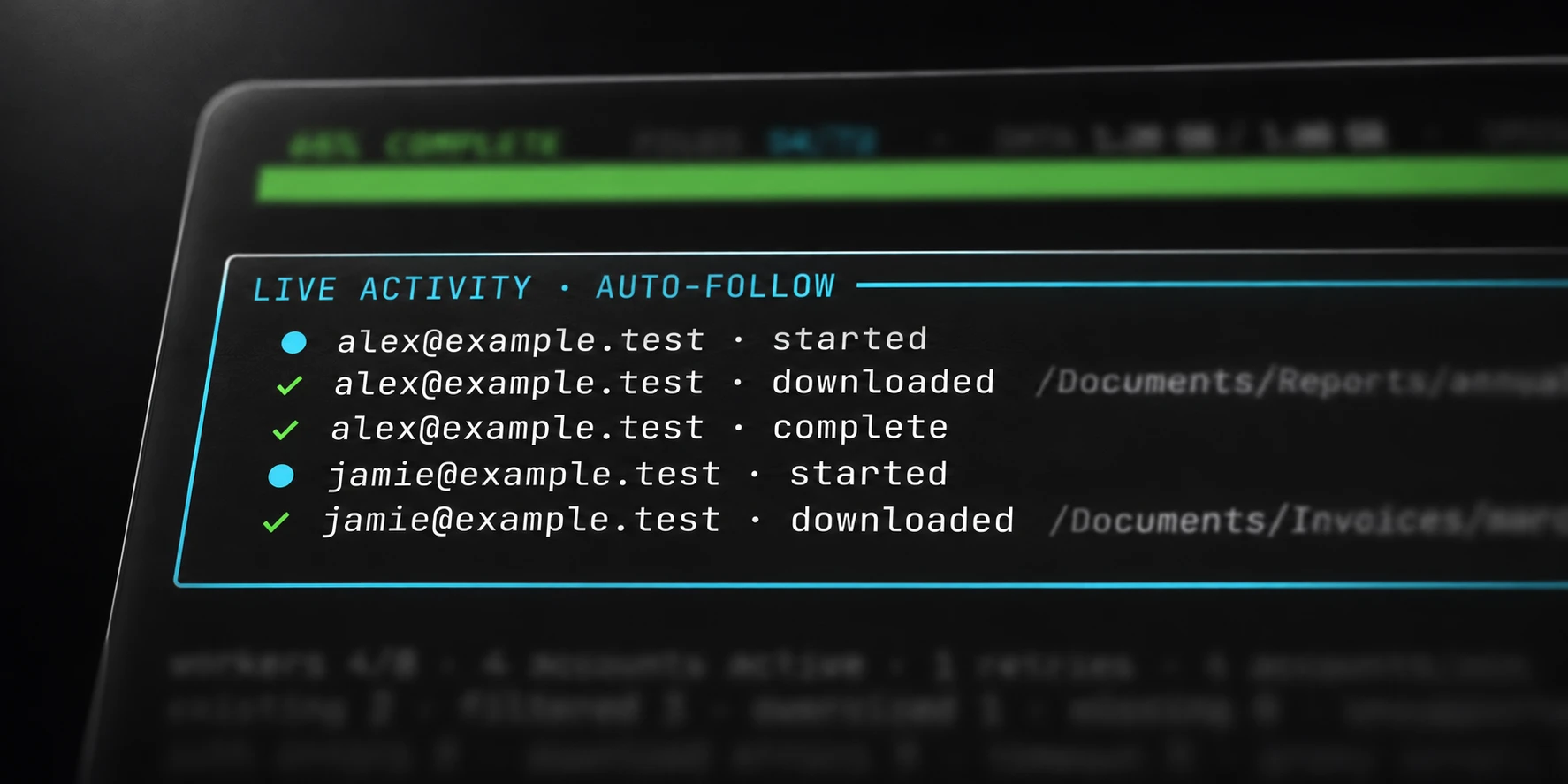
A connection or timeout failure does not prove that credentials were invalid. Check the account outcome and original error before selecting accounts for another attempt.
Note saves completed downloads after verifying their byte count and discards partial files. Inspect representative output files and the remaining failures before calling the selected export complete. The related folder guide provides a practical preparation and review sequence.