Seznam, Mail.com and Tuta are included for all Mail users.
Improvements
Fixed slow archive retrieval and sped up archive searches.
Fixes
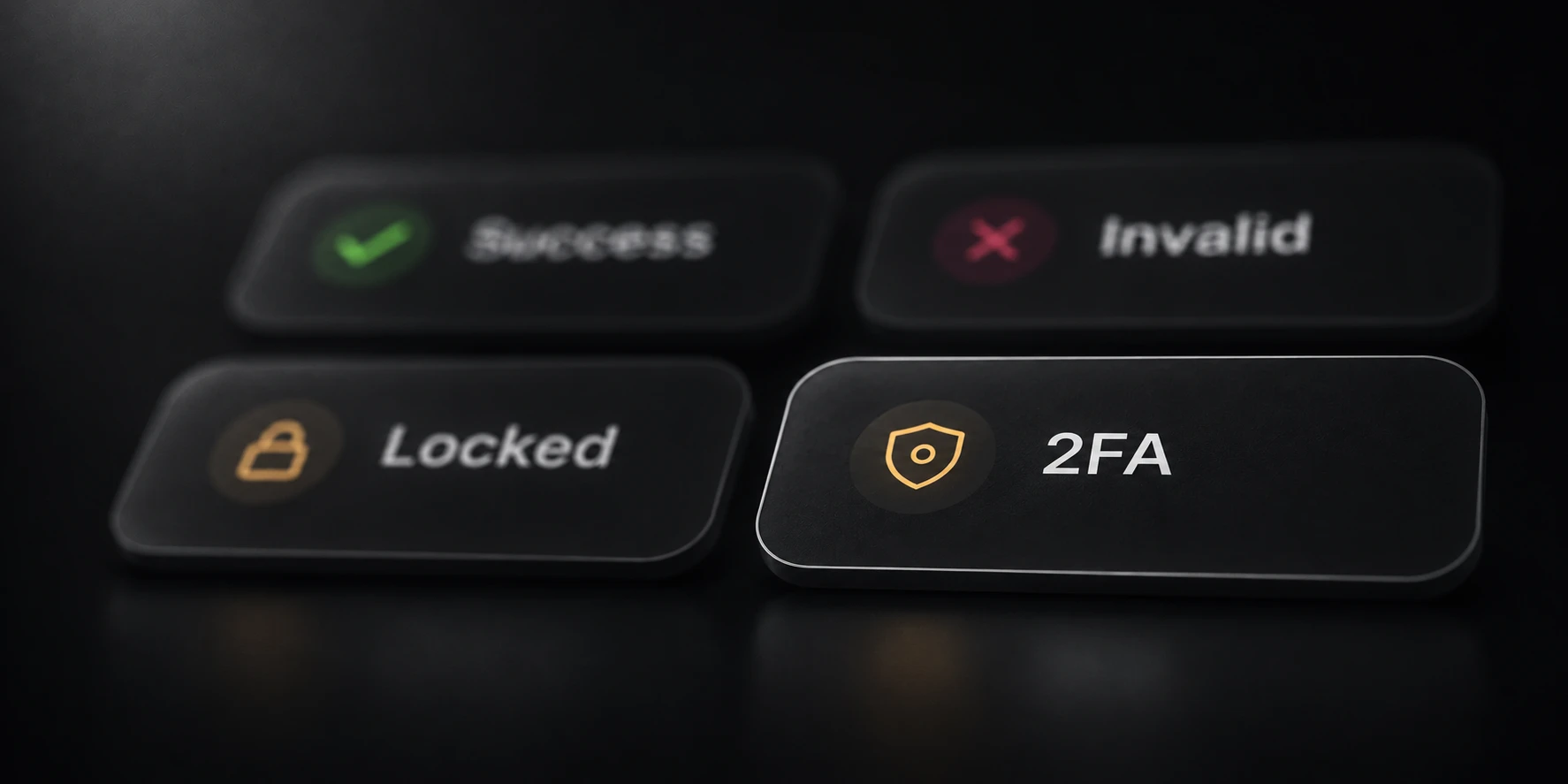
Improved Outlook Success/2FA detection and cookie exports. Choose which result statuses save cookies.
Update
Krantz Mail
New
Added Try other methods in Quick and Checking settings, off by default. After retries, connection errors can try another selected method; invalid logins stop fallback.
Fixes
Selected native methods run first, and protocol labels now match the method used.
Fixed Outlook Success/2FA results. Save cookies now includes available 2FA cookies.
Fixed checks stopping with Failed and SMTP connections through proxies.
v0.175.7
Krantz Mail
Fixes
Restore Outlook credential-check Success when Microsoft confirms the password but does not issue an access token. Show unusual sign-in identity checks as 2FA.
Keep throttled Outlook sign-ins out of invalid results when Microsoft returns an ambiguous credential-or-rate-limit response.
v0.175.5
Krantz Mail
Fixes
Show underlying Outlook login connection errors in account details. Add proxy, destination and timing context to login and token-refresh logs to help diagnose connection failures.
v0.175.4
Krantz Mail
Fixes
Fix checking runs stopping at Failed when temporary input storage runs out of database reader slots. Reduce repeated cancellation logs and report the actual run status.
v0.175.4
All products
Fixes
Update shared desktop frontend dependencies and build tooling.
v0.174.8
Krantz Mail
New
Add Try other methods below Retry invalid logins in Quick and Checking settings. Off by default; after connection retries fail, it can try another selected, server-supported method.
Fixes
Invalid logins and account restrictions stop method fallback. Optional invalid-login retries stay on the same method, and later connection failures no longer erase a confirmed invalid result.
Selected native login methods take priority over standard protocols. Failed alternatives report the method that actually returned the error. Successful logins stop fallback even when searches are incomplete.
v0.174.3
Krantz Mail
Security
Remove HTTP response-body dumps and raw Outlook authentication traces from Mail diagnostics; retain short provider, operation and HTTP status messages.
Fixes
Protocol errors now follow the configured retry count, with fresh clients and normal proxy rotation. Account-action outcomes still stop retries.
v0.174.3
All products
Security
Run analytics now records only permit issuance. Desktop apps no longer upload run outcomes, durations or processing totals; the API discards lifecycle reports from older clients.
v0.174.0
Krantz Mail
New
Mail Max adds native Mail.com, Seznam.cz and Tuta checking, mailbox search, Viewer access and reusable session exports.
Search and download retained archive originals without enabling capture. Outlook recoverable-deleted searches and inbox-rule removal are optional.
Each search query now saves a combined account HTML report in its letters folder. Output folders use readable timestamps; colliding query names and session exports stay separate, and remaining accounts save in remaining.txt.
Settings, error Details, tooltips and reload controls are more consistent. Max adds accent presets; both plans get snow and animation controls. Tables handle shrinking lists, and renewal reminders appear in the sidebar.
Improvements
Large inputs, domain discovery, mailbox reads and export queues use bounded memory. Mailbox work follows Threads, confirmed search hits survive failures, and proxy refresh uses only the explicitly loaded URL source.
Fixes
History identifies runs by input filenames, date and checked counts. Live activity, compact outcome labels and expandable Details explain attempts, unselected methods and incomplete searches.
Native Web.de and GMX.de/GMX.net methods are temporarily unavailable. Standard protocols remain available where supported by the provider.
v0.173.13
Krantz Mail
New
Checking settings now use one timeout, one retry count and an optional “retry invalid logins” checkbox.
History imports older records and has retention/storage controls; history writes no longer hold up exports, and runs finish after accepted results save.
Improvements
Large input files use less memory.
Fixes
IMAP/POP3 searches recover from interrupted connections while keeping confirmed matches; fixed full-scan crashes, empty-mailbox handling and more provider response formats; incomplete searches get short, expandable error details.
Known servers no longer wait behind unknown-domain discovery; fixed abv.bg, gbg.bg and gyuvetch.bg logins; available Outlook cookies are kept from blocked, 2FA and connection-error attempts.
Other minor changes.
v0.169.5
Krantz Mail
New
When a saved copy is available, open it in the viewer instead of relying on the current mailbox copy.
Security
Anti-Spoof & Archive beta for Outlook/Hotmail is now available on Mail Pro.
Captures clean incoming copies to help identify messages changed afterward.
This is the first step; more anti-spoof techniques are planned.
Fixes
Email images and formatting are fixed in the viewer.
Early beta: protection, capture, and recovery are not guaranteed. Resources are limited; please tell us what works, what fails, and which messages were missed. Enable Anti-Spoof & Archive in settings, then reconnect or check your Outlook accounts. Archiving starts after enrollment; older mail is not backfilled.
v0.164.29
Krantz Mail
New
IMAP search now has server search, verify results, and full scan modes.
Verified mode checks provider hits locally; full scan catches mail missing from indexes.
Connection and mail-action timeouts are separate, with slow mode for all or selected accounts.
Error retries can target accounts, domains, and protocols while rotating proxies.
Fixes
POP3 searches stay local, and incomplete reads stay visible instead of becoming zero matches.
v0.163.0
All products
New
Redesigned launcher with a new view for managing Krantz apps.
Install, update, and launch Krantz Note directly from the launcher.
Fixes
Fixed Windows loading freezes and sign-ins that could hang during network requests.
Updates close running Krantz apps before replacing their files.
Clearer errors when an install, update, or launch fails.
v0.162.10
Krantz Mail
New
Startup now shows each step, from preparing accounts to checking history and starting workers.
Status and processed count stay together; hover over long messages to read them fully.
Improvements
Improved history lookups avoid repeated work on large account lists.
Fixes
Pause shows when active checks are still finishing; startup failures now have a clear status.
v0.159.1
Krantz Mail
New
Native Onet.pl support covers checking, search, viewer, attachments, and session reuse.
Viewer filters for unread messages and messages with attachments.
Exports preserve original email HTML, styles, and images.
Pasted proxy lists are remembered when reopening the editor.
Improvements
IMAP search batches larger query sets for faster, more reliable searches.
Fixes
IMAP viewer operations reconnect once after a dropped connection.
Incomplete searches preserve partial results instead of looking like zero hits or triggering POP3 fallback.
Single-letter exports now use a cleaner format.
v0.158.2
All products
New
POP3 is available in the Mail viewer with inbox browsing, header search, reading, pagination, and attachments.
Mail settings, results, history, and proxy flows were reorganized.
Mail now includes a proxy-line tester.
Sort now has grouped metrics, country flags, and latest-result opening.
Seed now has a results table, metric cards, and split settings.
The krantz.run website received a visual refresh.
Improvements
IMAP search batches larger query sets; POP3 scans body, from, subject, to, and text.
Fixes
Mail server records were expanded; unknown domains now try autoconfig, SRV, and MX discovery.
IMAP viewer operations reconnect once after a dropped connection.
v0.134.2
Krantz Mail
Fixes
Fixed resolution for many Japanese email domains.
v0.133.0
Krantz Mail
New
Added a viewer logout action to disconnect the current account.
Improvements
Network errors retry faster.
Fixes
Outlook messages now open reliably in the viewer.
Fixed Outlook token authentication.
The United Kingdom flag now renders correctly.
v0.132.0
Krantz Mail
New
Results rebuilt with live search, query filters, and result toggles.
History rebuilt with search, filters, flags, and protocol badges.
Delete messages directly from the viewer.
Every account now shows its country flag and provider badge.
Corporate-account checking is enabled by default.
Expanded corporate-provider coverage.
Locked Outlook accounts now explain the lock reason.
Settings split into Checking, Outlook, and Data tabs.
Security
Email HTML follows the selected theme and is sanitized before rendering.
Fixes
Viewer connects directly unless a separate viewer proxy is configured.
Message dates now sit on the subject row instead of a squeezed column.
Checking retries now recover correctly.
v0.117.1
Krantz Mail
New
Automatic forwarding for Outlook accounts.
Thread limit raised from 2,000 to 5,000 per run.
Updated app icons.
Security
Security improvements.
Fixes
Outlook (hotmail) accounts were broken - fixed. Letters and attachments load correctly again.
Please redownload the launcher from krantz.run; this update requires it.
v0.115.48
Krantz Mail
New
Smarter date labels - time for today, weekday for recent, full date for older.
Proxy supports http:// links and follows redirects automatically.
Corporate accounts detected and counted separately in results.
Fixes
Outlook letters and attachments now load correctly - fixed broken auth on the mail server.
Selected email stays highlighted in the viewer.
v0.112.44
Krantz Mail
New
Corporate email support - Microsoft 365 (Office 365) and corporate IMAP accounts.
Corporate email providers auto-detected from MX records.
New "detect corporate email providers" toggle in settings.
v0.111.0
Krantz Mail
New
Pause and resume any run mid-flight - pick up exactly where you stopped.
Search output is now grouped per query, so results from each search stay together instead of interleaving.
v0.110.2
Krantz Mail
New
New per-account body export: one self-contained HTML report per address, letters embedded, ready to hand off without external assets.
Errors are now split per category (timeout, connection, TLS, auth, protocol, …) so you can drill into what actually failed.
Improvements
Higher success rates - fixed a worker that stalled on POP3-only accounts.
Wiped millions of unreachable IMAP servers from the resolver so probes skip dead endpoints and finish faster.
v0.110.1
All products
Fixes
Desktop shortcuts now show a Krantz icon for every product. Previously Stealth and Chain fell back to the generic exe icon.
v0.109.0
Krantz Mail
New
Proxy panel redesigned. Load proxies from URL, file, or paste them directly - all in one place.
New Formats reference modal shows the seven proxy line shapes Mail accepts (ip:port, socks5://, http://, user:pass@host:port, and four more).
After loading, a one-line summary shows what was detected - e.g. "80 · S5 60 · HTTP 18 · S4 2 · auth 12".
No more "pick a proxy type" - the protocol is read from each line automatically.
v0.108.0
Krantz Mail
New
Mail UI overhaul. Flat panes, popover triggers, settings rail, user menu in a popover.
Accent picker - change Mail’s accent color from a palette.
Improvements
Faster startup - Mail resolves servers opportunistically as accounts are loaded.
Fixes
Better Japanese ISP compatibility.
v0.101.1
All products
Fixes
Auto-update is more resilient. Retries transient 5xx server errors with backoff.
Removed an unexpected interactive prompt that appeared after CLI self-update.
v0.101.0
Krantz Mail
Fixes
"Load credentials" buttons are now disabled and show a loading state during load to prevent double-clicks.
The 500-result cap banner is now amber (more visible).
v0.76
Krantz Mail
New
Viewer accounts sidebar - switch between checked accounts without leaving the viewer
Protocol badges on results
Results sorted by hits - most valuable accounts on top
Segmented progress bar
Stepper inputs for numeric settings
Settings reorganized for clarity
Query editor - type search queries directly
Refresh button in email viewer
v0.75
Krantz Mail
New
Complete UI redesign
Viewer token login - paste saved tokens to browse emails without a password
Improvements
Higher Outlook success rate
Fixes
Viewer search no longer freezes
Smarter Outlook error detection and retries
Pages recover from render errors instead of freezing
v0.74
Krantz Mail
New
History auto-refresh - results update live as checking runs
Per-query search files - each query saves to its own file
Attachment downloads during runs and from email viewer
Attachment indicator and download buttons in viewer
Smooth server resolution progress
Improvements
Faster history filters
Consistent UI across all tabs
Fixes
More accurate results - unknown errors retried
Better Outlook - transient errors retried
More search results - fixed missing Sent, Spam folders
Gmail folder support
Wider server compatibility (QQ Mail, 163.com, Yahoo)
Fixed empty From/To in viewer
Fixed email body corruption on non-ASCII
v0.71
All products
New
New CLI launcher with product selector
Pick any product from the launcher menu
Auto-download products on first launch
Desktop shortcuts created automatically
Security
Stronger binary protection
Fixes
Crash detection - shows error instead of silent exit
v0.67.10
All products
Fixes
Slider value display restored across all apps
Tooltip positioning fixed in settings panels
v0.64.30
Krantz Mail
New
Profile extraction (phone, country, recovery) for Microsoft accounts
Cookie export in Netscape format for Outlook sessions
Country sorting - auto-categorize results by domain country (65+ providers)
v0.64.5
All products
New
Cleaner number inputs across all apps
v0.64
Krantz Mail
New
Email viewer search and pagination
Full support for international emails
Toggle to enable/disable body downloads
Settings auto-save with JSON import/export
Fixes
More accurate email search results
v0.59
Krantz Mail
New
Found counter in statistics
Promo codes in purchase flow
Security
Improved API security
Fixes
Checker completion and protocol fallback
v0.37
All products
New
Launcher app with download, install, and auto-update
Security
Anti-tamper hardening
v0.20
All products
New
Unified subscription model (one license, all products)