Recovery Phrases Versus Private Keys: What Seed Detects
Understand complete phrase and private-key candidates, supported formats and the limits of a file scan.
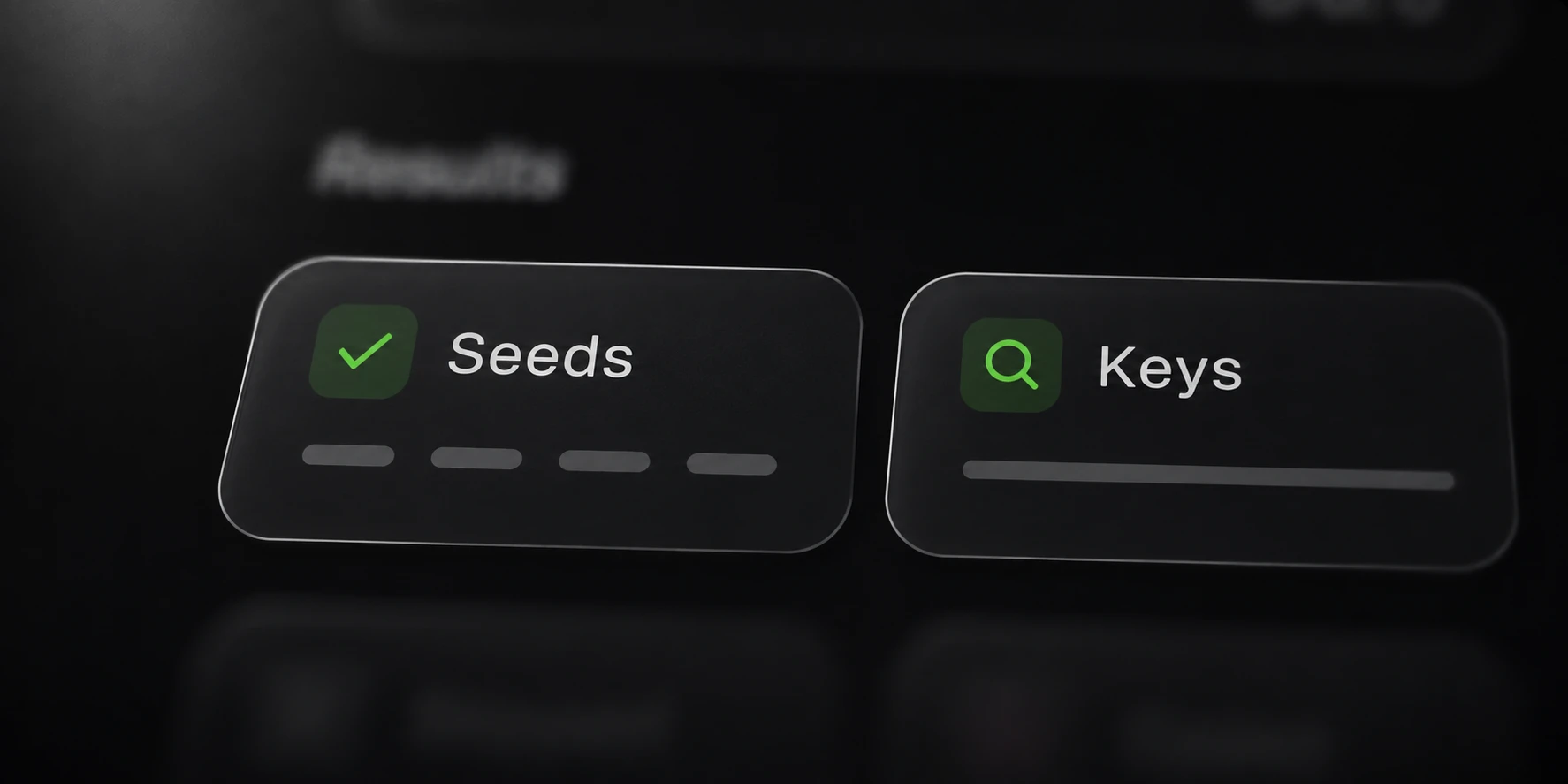
Seed reports complete recovery-phrase candidates and recognized private-key candidates from your own files. These are separate result types, and neither by itself establishes ownership, a working wallet or a balance.
Start with the detected type and original file location. The text surrounding a candidate can be more useful than a raw finding detached from its source.
Separate phrase and key candidates
Phrase detection includes complete checksum-valid English BIP39 phrases. It does not reconstruct missing words or turn an incomplete note into a complete phrase.
A private key has a supported serialized format rather than the same word-based representation. Seed keeps phrases and keys in separate output files so the categories can be reviewed independently.
The BIP39 specification describes mnemonic generation and checksum validation: BIP39. Use public test vectors when demonstrating detection, rather than real recovery material.
Passing a format or checksum test is limited evidence. A public test vector, software example or unrelated file can contain valid-looking material that is not the backup you were seeking.
Check the supported formats
Seed recognizes the phrase format and several key formats documented by the product:
| Candidate family | Supported examples |
|---|---|
| Recovery phrase | Complete checksum-valid English BIP39 |
| secp256k1 key | Raw hexadecimal or WIF |
| Extended private key | xprv, yprv or zprv prefixes |
| Solana key | Base58 or JSON-array representation |
| Nostr key | nsec representation |
This is the product’s detection scope, not a promise to handle every key or wallet export format. Review the documentation before assuming an unsupported backup can be scanned.
Identical phrases and keys are published once within a run. The number of saved findings therefore does not directly measure how many source occurrences were examined.
Keep raw findings private. Describe the candidate family and file status in a support request without sharing a real recovery phrase or private key.
Review the source and scan coverage
Inspect the recorded source path and line when available. Confirm that the file belongs to the authorized backup scope and that the surrounding context matches the material you intended to find.
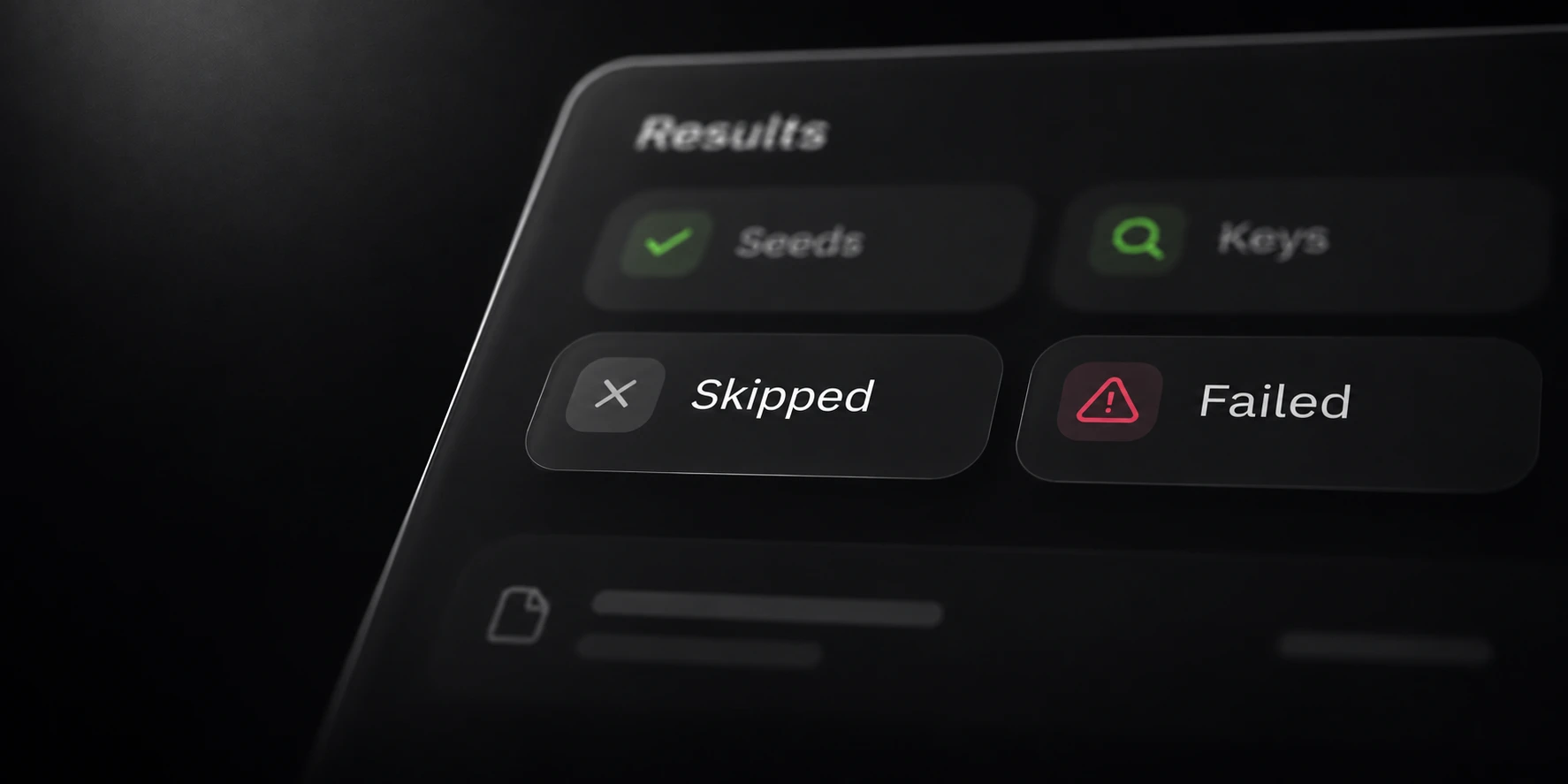
Read the file-status report as well as the candidate reports. Excluded, unreadable, oversized or unsupported sources limit what a no-findings result can establish.
Documents and ZIPs are optional scan sources with their own limits. Optional image OCR sends selected supported images to hosted processing; the other scanning paths remain local.
For a focused follow-up, change only the relevant source or limit and keep previous reports distinguishable. A different candidate count can reflect different coverage.
The preparation and coverage guides explain how to scope a scan and review skipped material. Use them alongside the product reference when evaluating what a scan actually examined.