Antipublic Results: Public, Private, Rejected and Unchecked
Read reference database results without confusing absent rows, rejected input and incomplete runs.
Antipublic results describe membership in a reference dataset. The most important distinction is between a completed absent lookup and a row that was never checked successfully. Treating both as private would make the result unreliable.
Read the selected matching mode and completion state alongside every output file. A filename alone cannot explain the scope of a run.
Separate the four outcomes
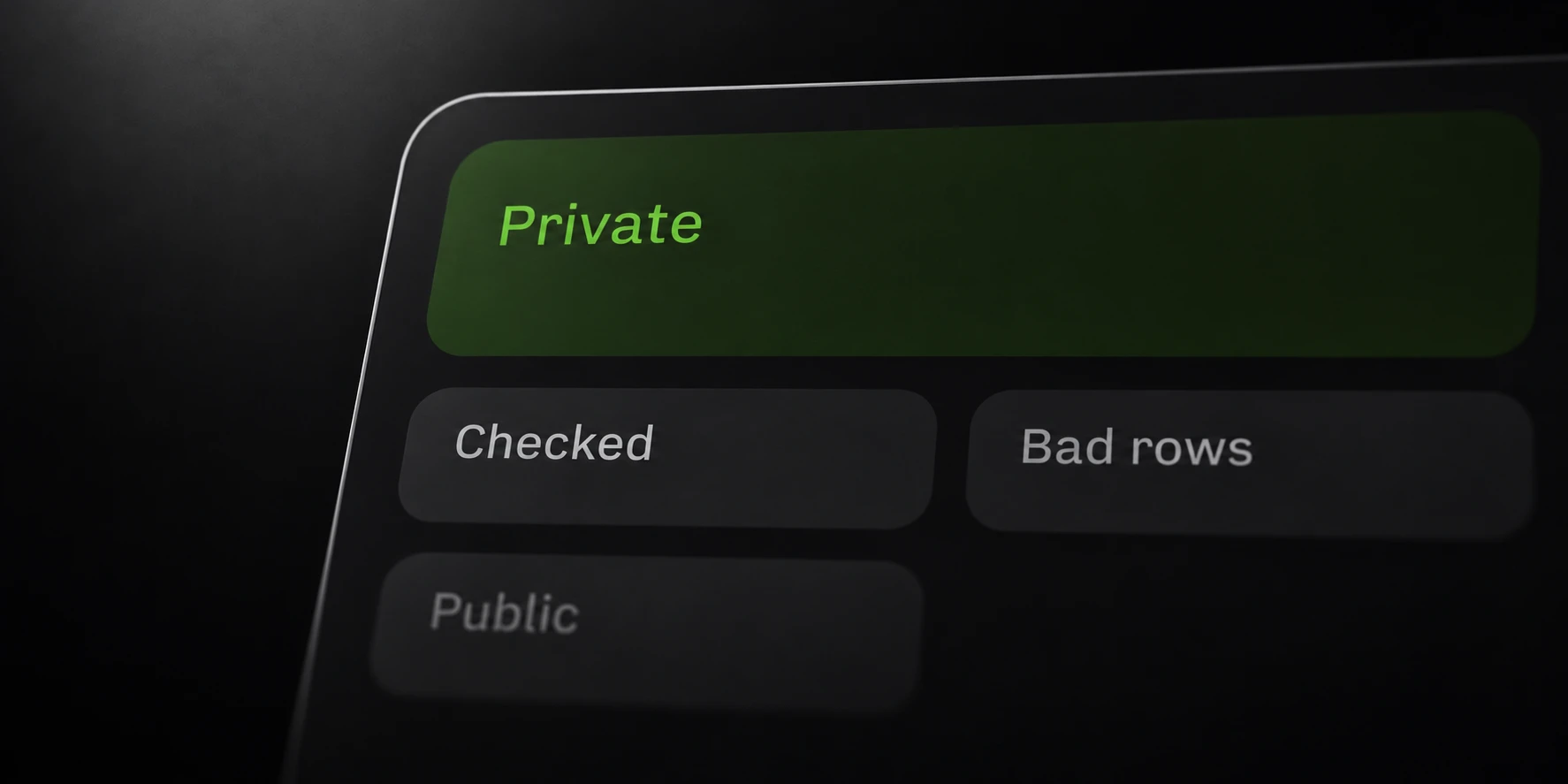
Public means the selected lookup key was present. Private means the checked key was absent at the time of the lookup. Rejected means the input could not be parsed for that operation.
Unchecked rows are a fourth group. They have no completed membership result, whether processing stopped because of cancellation, a gateway failure or another interruption.
| Outcome | What it establishes |
|---|---|
| Public / present | The selected key was found. |
| Private / absent | The checked key was not found. |
| Rejected | The row could not be used for the lookup. |
| Unchecked | No membership conclusion was reached. |
For example, if a run checks 80 of 100 input rows before stopping, the remaining 20 do not become private. This is an illustrative count, not a measured run or an estimate of success rates.
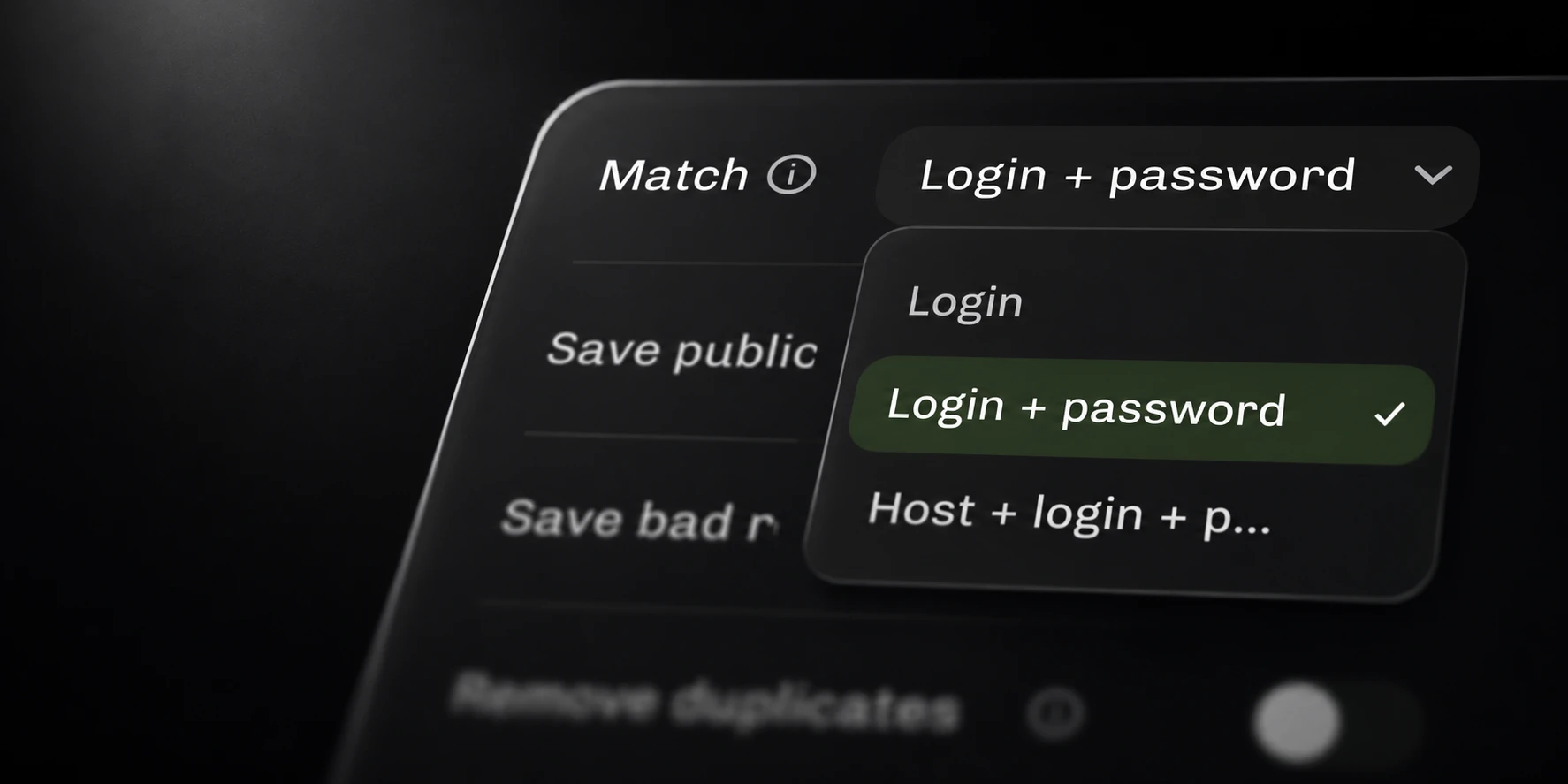
Login-only and exact-pair matching answer different questions. An absent pair can share a login with an existing record. Keep the mode visible in your notes when comparing multiple runs.
Review interrupted runs
Each operation creates a timestamped local output directory. Incomplete writes use partial files, and the run record identifies incomplete work. Retain that record when reviewing partial output.
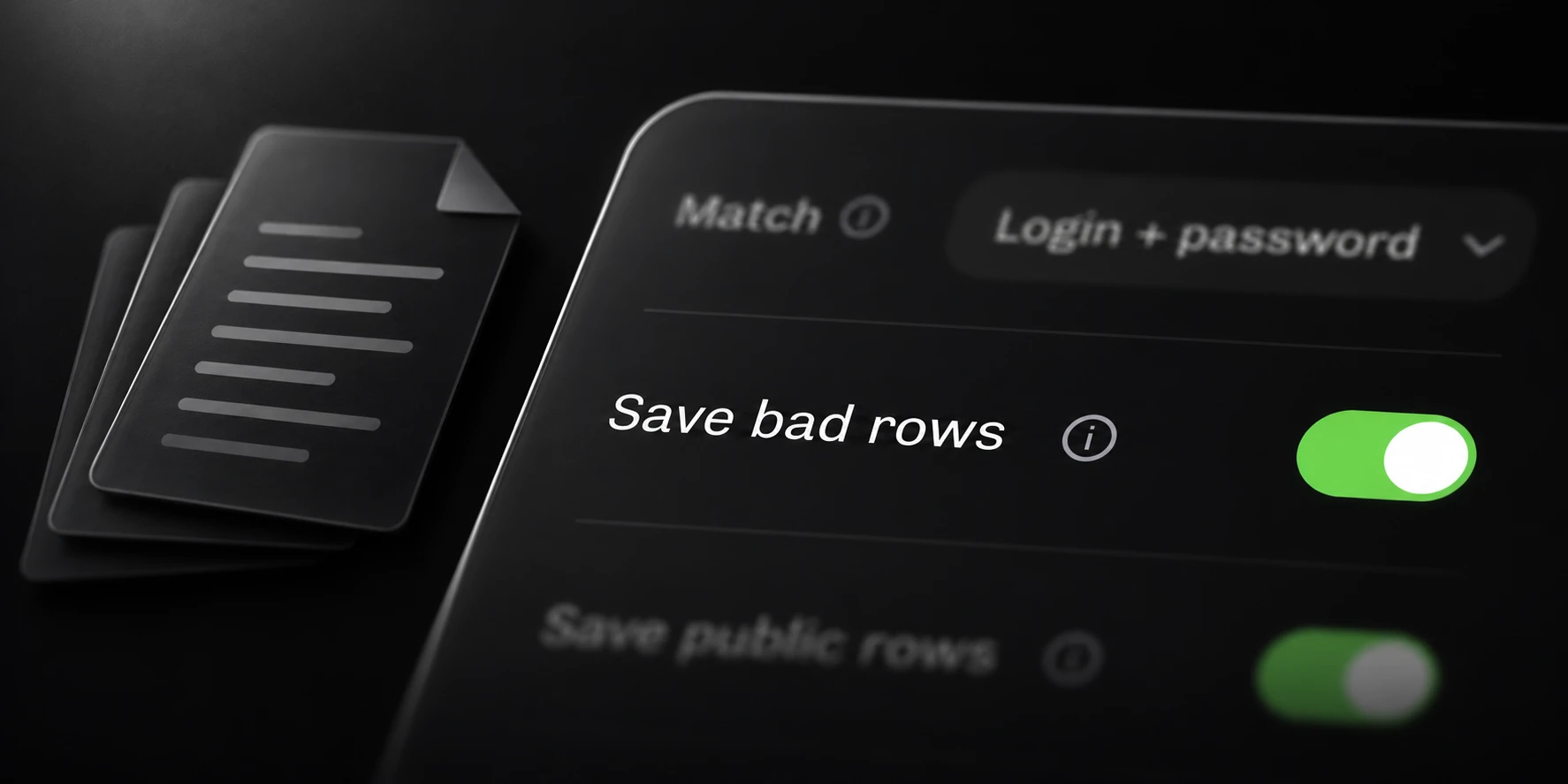
Completed absent rows go to private.txt; public and rejected output depend on their saved
switches. Disabling an output does not change the meaning of the classification counts.
If a gateway reports that it is busy, follow its displayed retry guidance. A connection problem, license failure or unavailable service is a technical condition, not evidence that all submitted records were absent.
Keep the original input available. A follow-up needs a deliberate account of which rows already received results and which remain unresolved. Do not merge partial files into a completed report without preserving that distinction.
Use the saved results correctly
Inspect representative rows from each enabled output and reconcile them with the run’s counts. Review parse failures separately so malformed data cannot silently enter your absent collection.
The chosen reference dataset has a defined scope. Absence cannot prove that credentials have never appeared elsewhere or that an account is secure. A present result also does not verify a usable password or a completed sign-in.
Optional private-row upload changes the dataset as eligible batches complete. Record whether it was enabled when comparing results across time. A later lookup can legitimately differ from an earlier one.
Use the matching-mode guide for a controlled synthetic comparison. The documentation below describes the local files, membership requests and exact batch and byte limits.