Prepare Input Files for an Antipublic Reference Check
Choose row formats, test parsing and preserve unchecked input when preparing reference database lookups.
Prepare Antipublic input around the lookup key you want to compare. A well-formed row and a completed lookup establish different things, so test parsing before interpreting database membership results.
Use only records you own or are authorized to handle. Keep the original file separate from the result directory so the checked scope remains explainable.
Select rows for the matching mode
Antipublic accepts UTF-8 files and supports login, credential-pair and URL-record input.
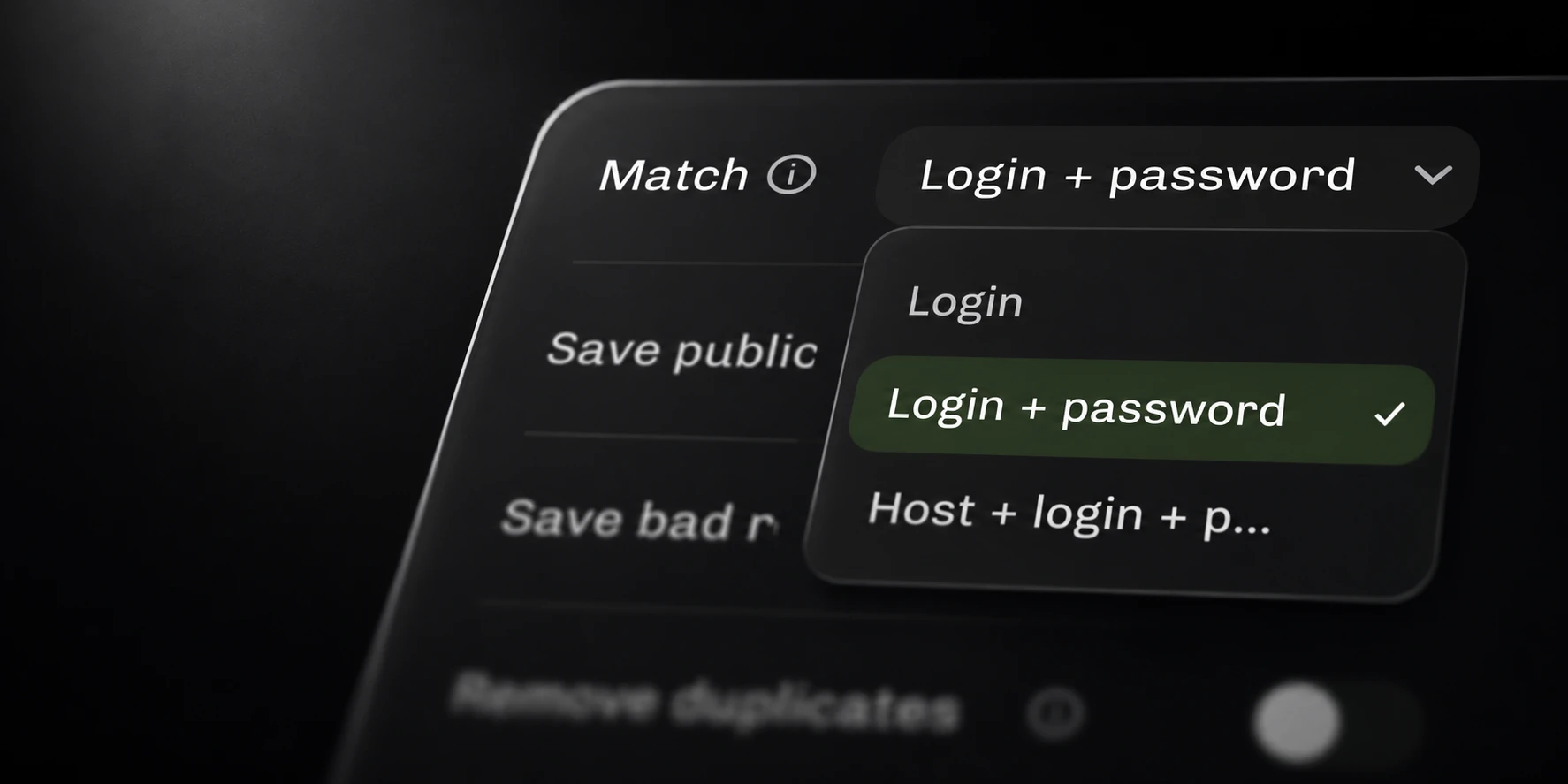
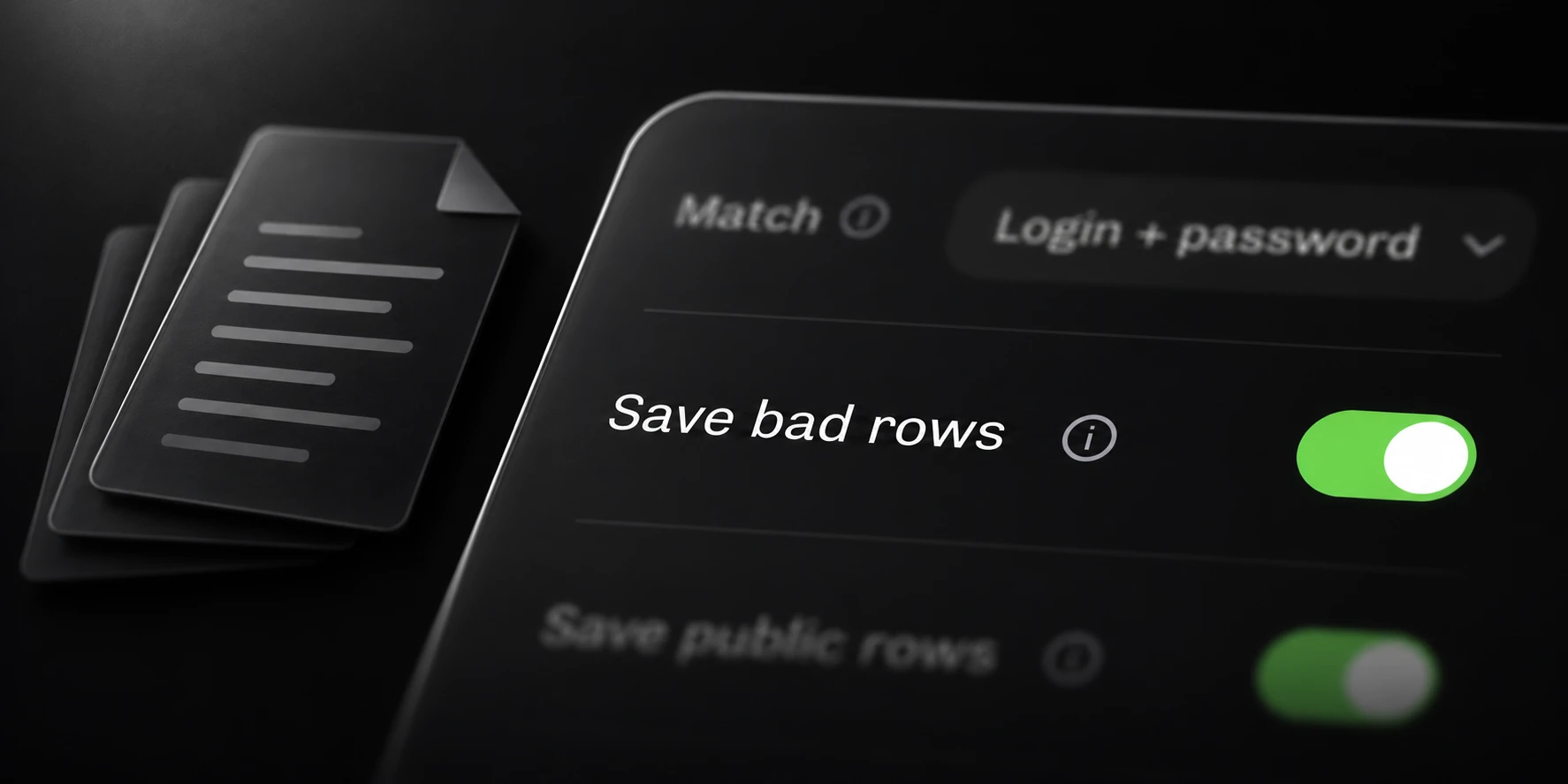
Under Match, choose Login, Login + password or Host + login + password.
The default is Login + password. The dataset is selected automatically: all records for the
first two modes, URL records for host matching. The mode determines which fields form the key.
A synthetic login and credential pair might look like these examples:
[email protected]
[email protected]:example-password
The examples illustrate row shapes and provide no working account access. A login-only record cannot supply a missing password for a comparison that requires an exact credential pair.
For URL records, use the accepted format described in the documentation. Host matching compares a canonical hostname with the login and password; subdomains remain distinct.
Check a sample before the full input
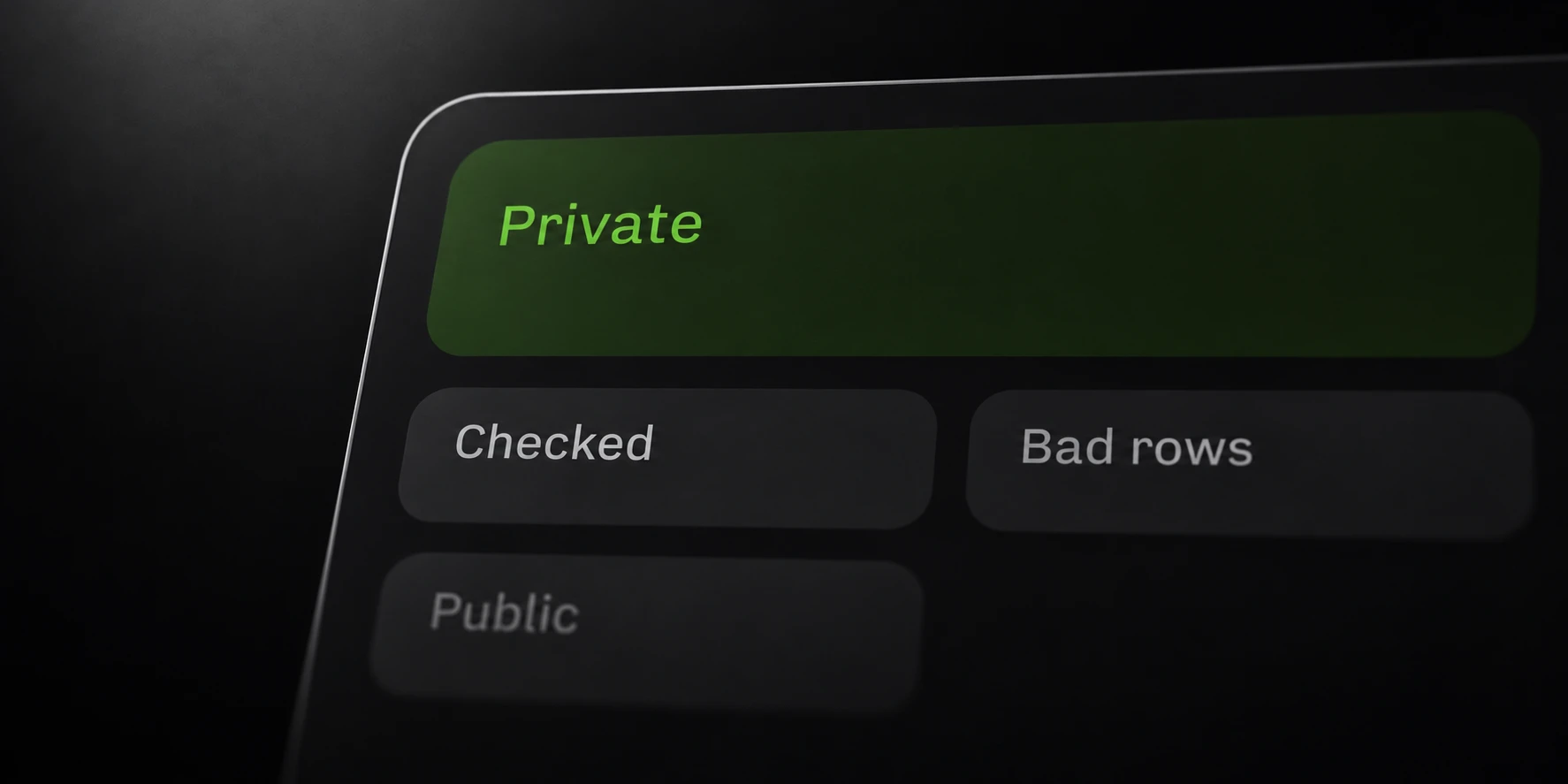
Start with a small sample containing representative valid and malformed rows. Review rejected output separately from present and absent lookup results.
A parser rejection does not prove that the corresponding key was absent from the reference dataset. Repairing a row’s structure and repeating the intended lookup are separate steps.
Duplicate removal is optional and starts off. Decide whether repeated lookup keys should be skipped, then record the setting when comparing the input and result counts.
Pasted text has its own limit; file input is suitable for larger sources. A source file’s size is also different from the serialized size of an individual gateway request.
Preserve the scope of completed checks
The desktop reads files locally and submits parsed lookup batches. Read-only checks use up to 10,000 entries and 1 MiB of serialized data per request, with at most two requests in flight. Byte limits can reduce the batch size automatically.
A single input line larger than 1 MiB stops processing. That boundary protects the unchecked remainder from being incorrectly labeled private.
Private-row upload is off by default and requires password-based matching. When enabled, it uses batches of up to 2,500 entries, processed one at a time; byte limits can reduce them. Eligible absent credentials are added as checked batches complete. That changes the reference data and affects later comparisons.
If a run stops, retain its completion record and partial outputs. Unchecked rows have no membership conclusion, even when earlier rows in the same source have completed results.
A completed absent lookup is not a successful account sign-in and does not validate a password.
Use the matching guide to choose the key comparison and the result guide to interpret saved files. The useful final report explains both what was checked and what remains unresolved.