
01
Keep the folders you know.
Choose a OneDrive folder and retain its hierarchy, filenames and account context in the local export.
Export authorized accounts to local folders from a terminal app.
Get Note01
Choose a OneDrive folder and retain its hierarchy, filenames and account context in the local export.
02
Load a list of authorized accounts and run up to 5,000 accounts per operation. Each account receives its own output directory.
03
Select file extensions, apply exclusions and set a per-file size limit. Existing files are skipped unless you enable overwrite.
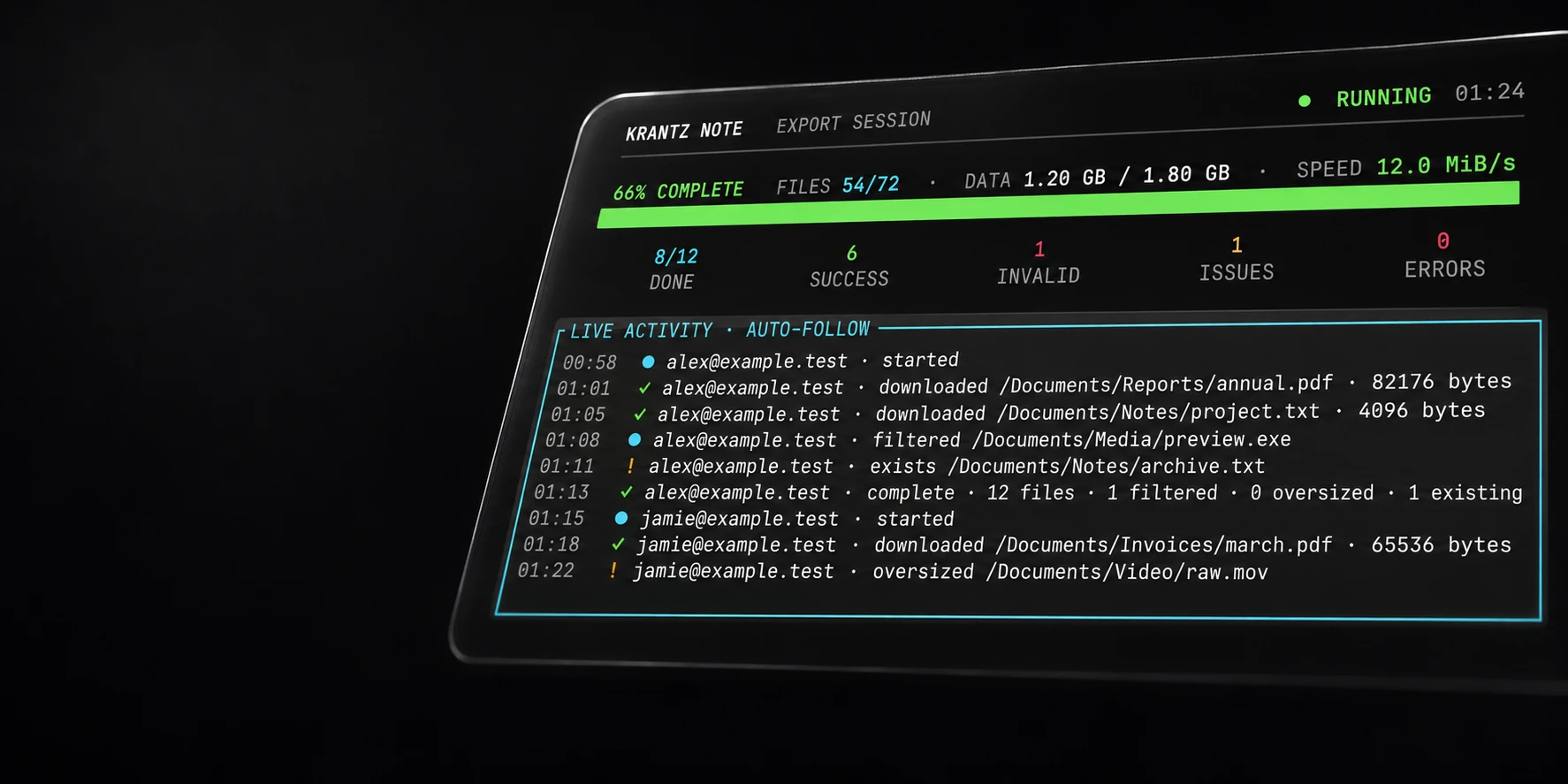
Export a selected OneDrive folder tree into a local account directory. The local export preserves familiar paths and each account’s structure.
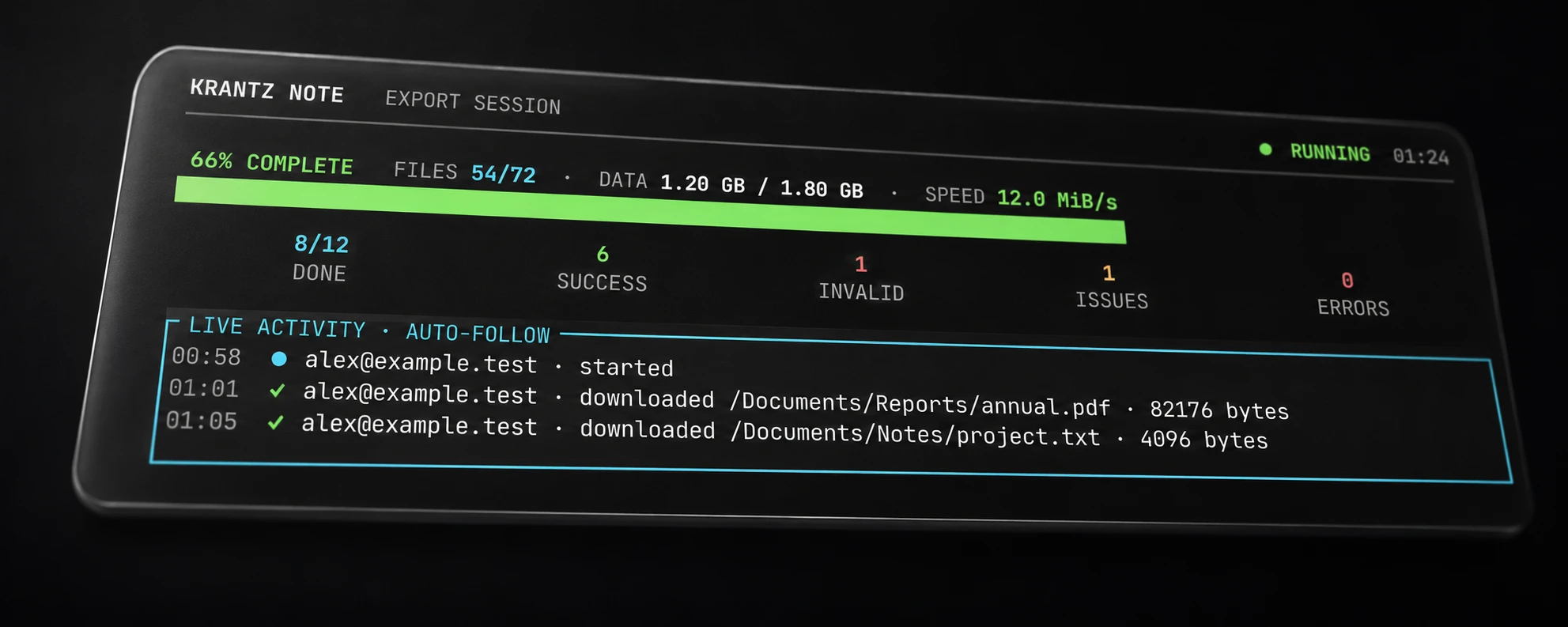
Retain each account, folder and filename within the selected export.

Export authorized accounts together, each into its own local directory.
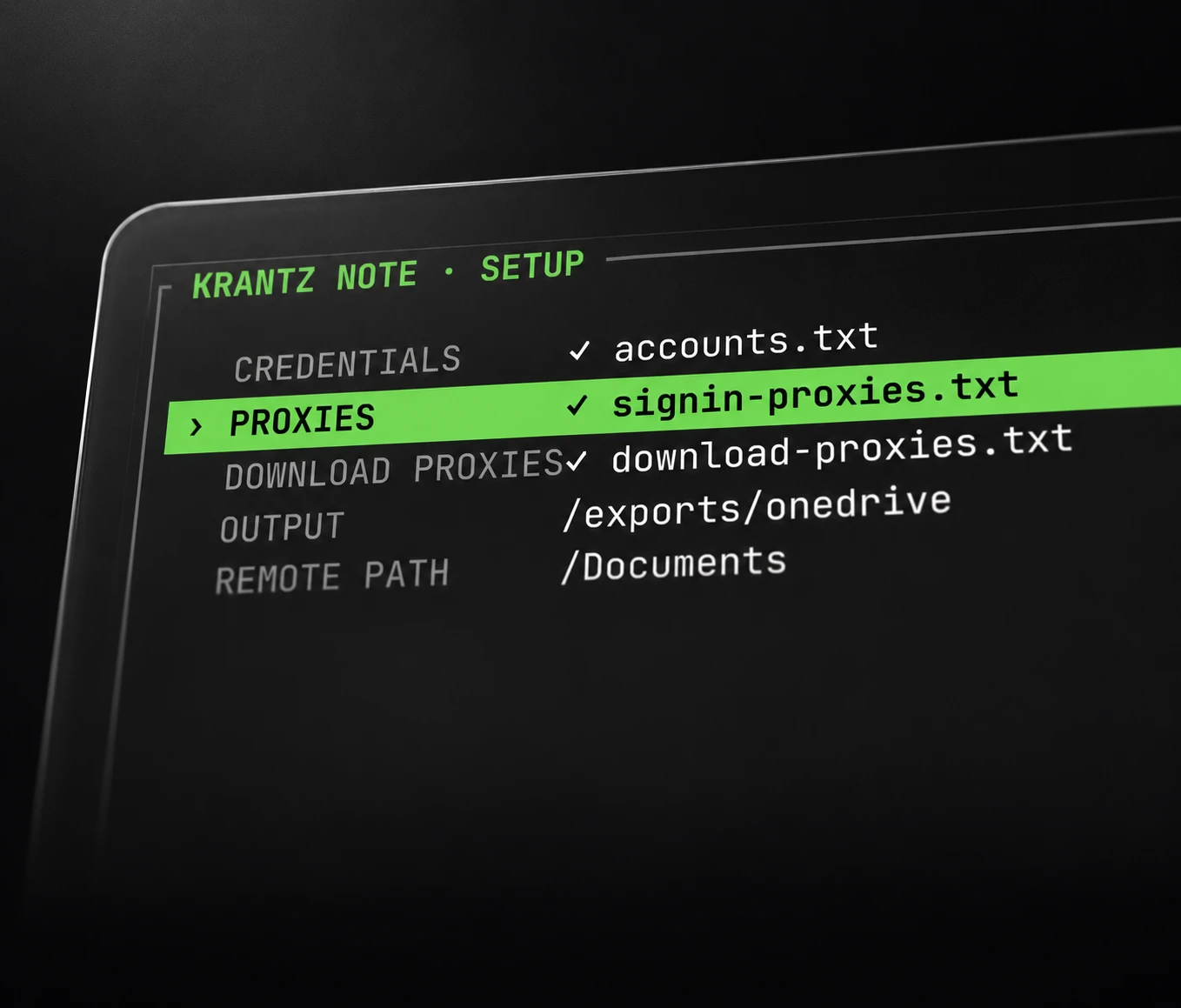
Optionally separate sign-in and metadata traffic from file downloads.
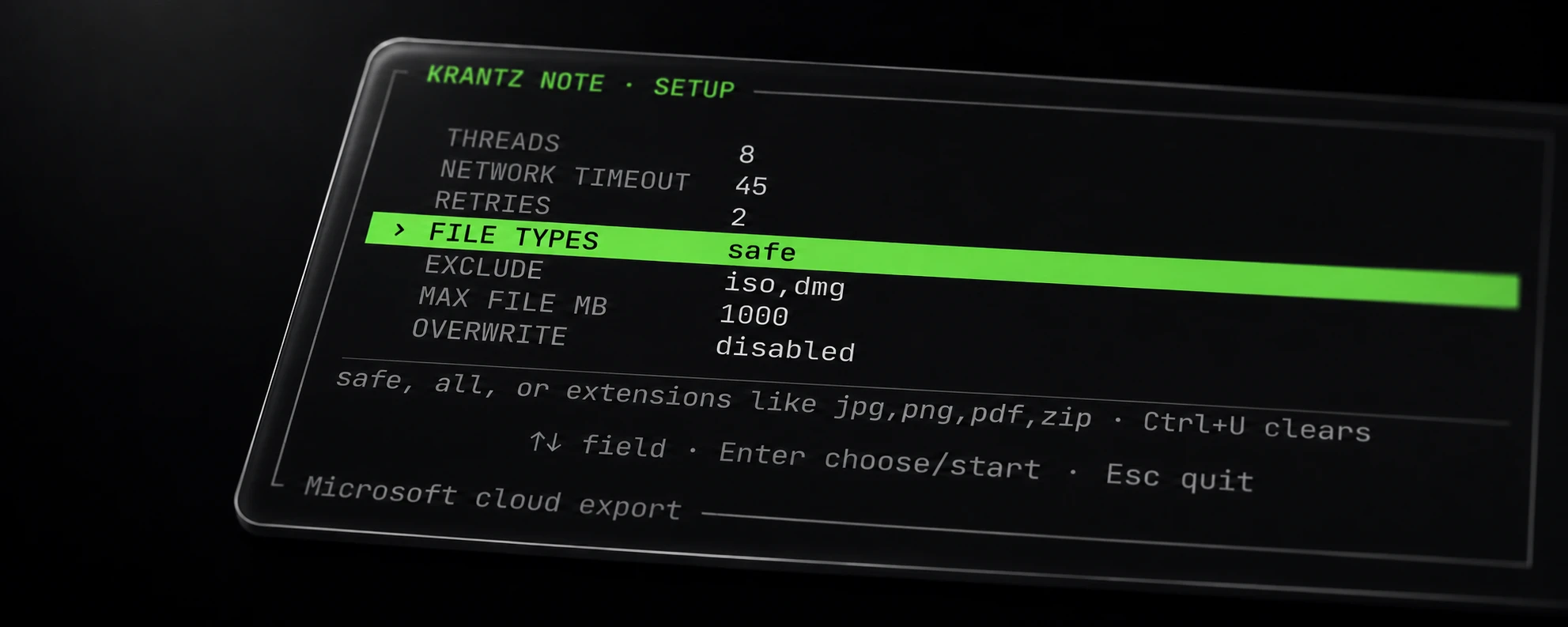
Select extensions, apply exclusions and skip files above your chosen size.
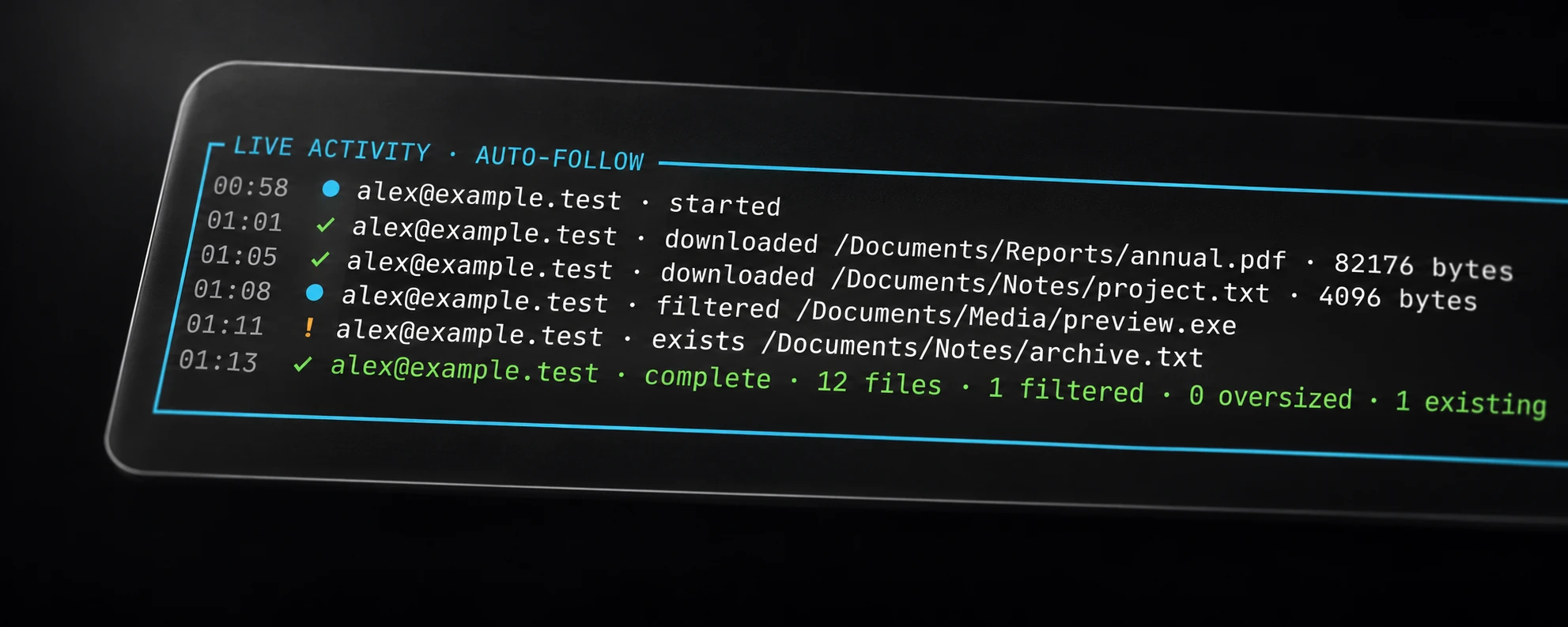
Complete downloads receive final names. Interrupted partial files are removed.
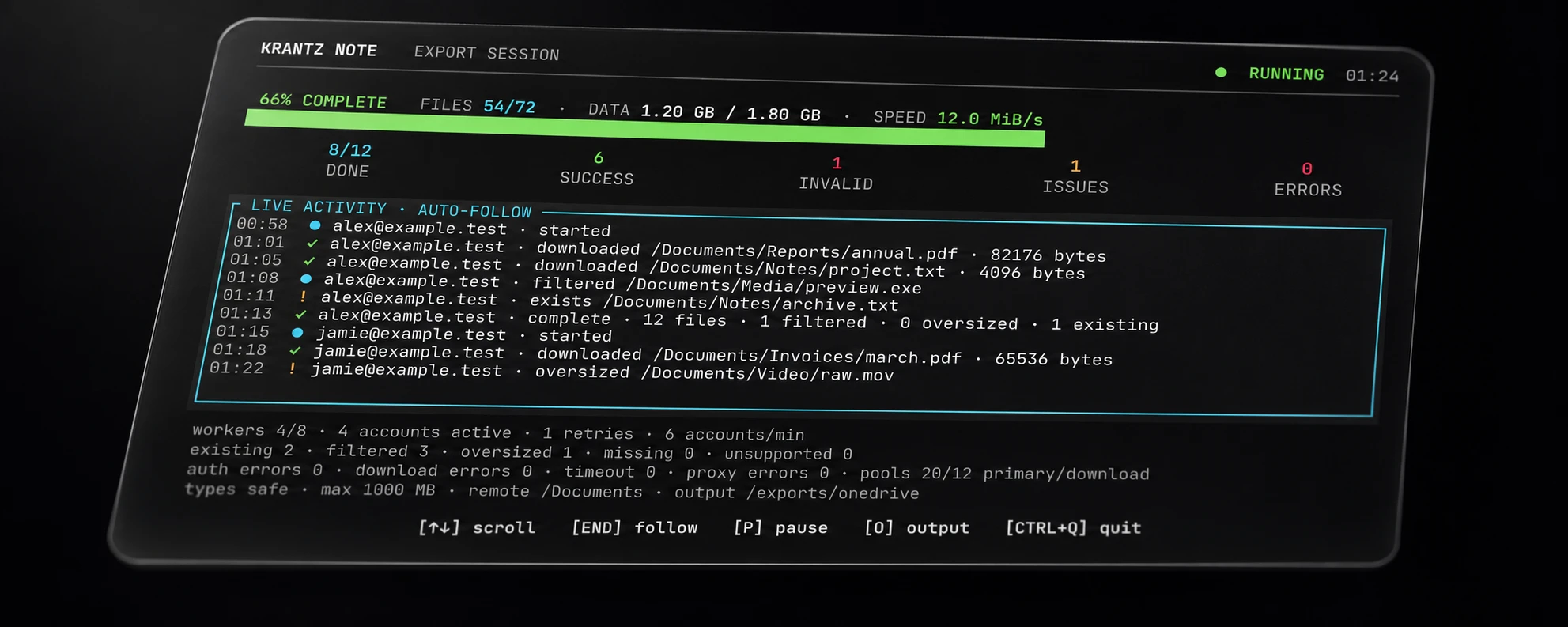
Keep success, invalid, verification, locked and technical-error results distinct.

Public deposit
Check the deposit on the forum. Its dispute rules determine any compensation.
Verify deposit ↗Access to all Note export features.
$250 / month
$225 for your first month with START
Retain the account and remote folder hierarchy.
Keep each account in its own local directory.
Set an optional file-transfer proxy list; a blank list reuses the main list.
Safe or custom extensions, exclusions and per-file size limits.
Verify byte counts before the final save; discard partial files.
Review sign-in statuses, filtered files and download errors separately.
Existing files stay untouched unless overwrite is enabled.
OneDrive exports with scoped filters, completed files and clear results in Note Pro.