Join Large Text Files and Remove Repeated Rows
Combine overlapping text files with Sort, choose deduplication and verify the saved output.
Joining large text files and removing duplicate rows are separate choices. Sometimes you need every occurrence from every input; sometimes you want each distinct row once. Decide which result your next workflow requires before running Joiner.
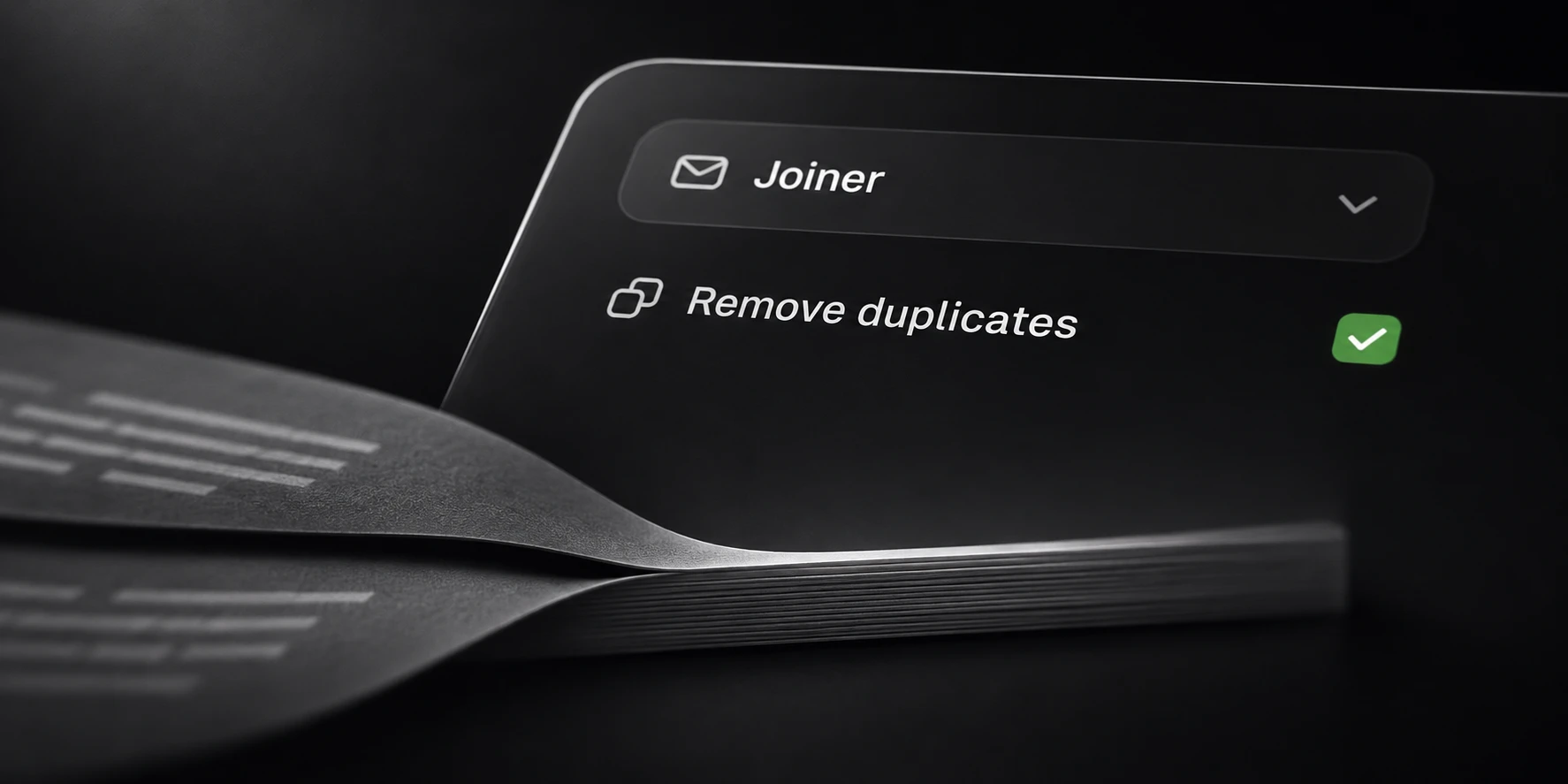
Sort’s Joiner combines selected local files and enables deduplication by default. The output is a separate file, so you can inspect the result before using it elsewhere.
Prepare the input files
Choose inputs that use compatible row formats. Combining unrelated record types can produce a single file that no downstream parser can interpret consistently.
For an initial check, use two short illustrative files:
first.txt
alpha
beta

second.txt
beta
gamma
There are four input rows in this example, with three distinct values. This is a description of the input files, not a file format that includes the filenames as data.
Check how line endings and text encoding appear in your actual sources. Test representative files before selecting a large collection. If a row includes a header, joining files does not by itself make that header meaningful to the next tool.
Choose whether to remove repeats
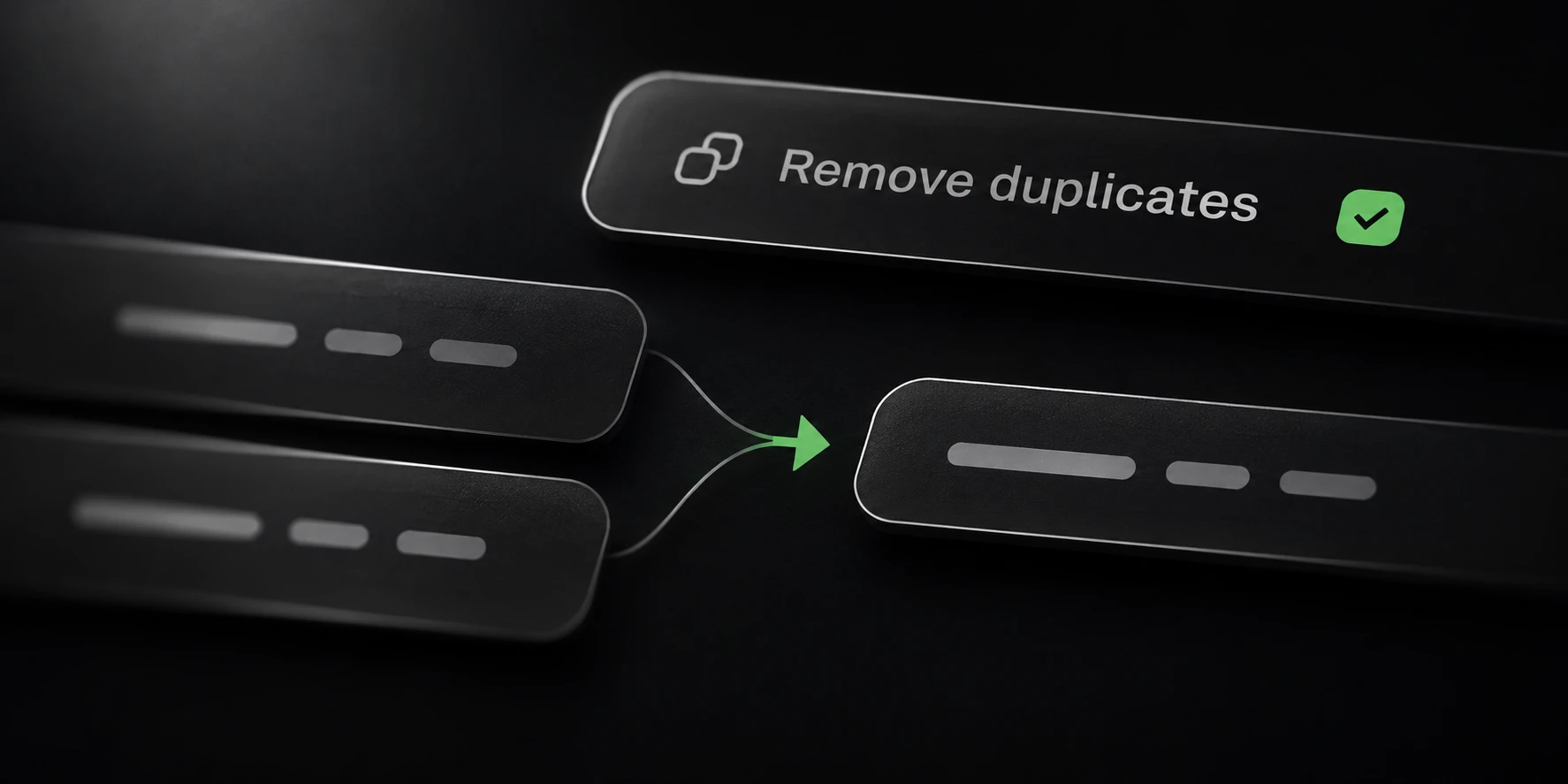
With deduplication enabled, the repeated beta row in the sample is retained once. Without deduplication, both occurrences belong in the output. Neither choice proves that the input data is valid; it only defines how repeated rows are handled.
Keep duplicates when their frequency carries information. For example, repeated observations may be required for a later count. Remove them when the next operation is intended to process a set of distinct rows.
Avoid treating visually similar rows as automatically equivalent. Case and byte differences can matter. Use a sample with known variants when checking the selected comparison behavior.
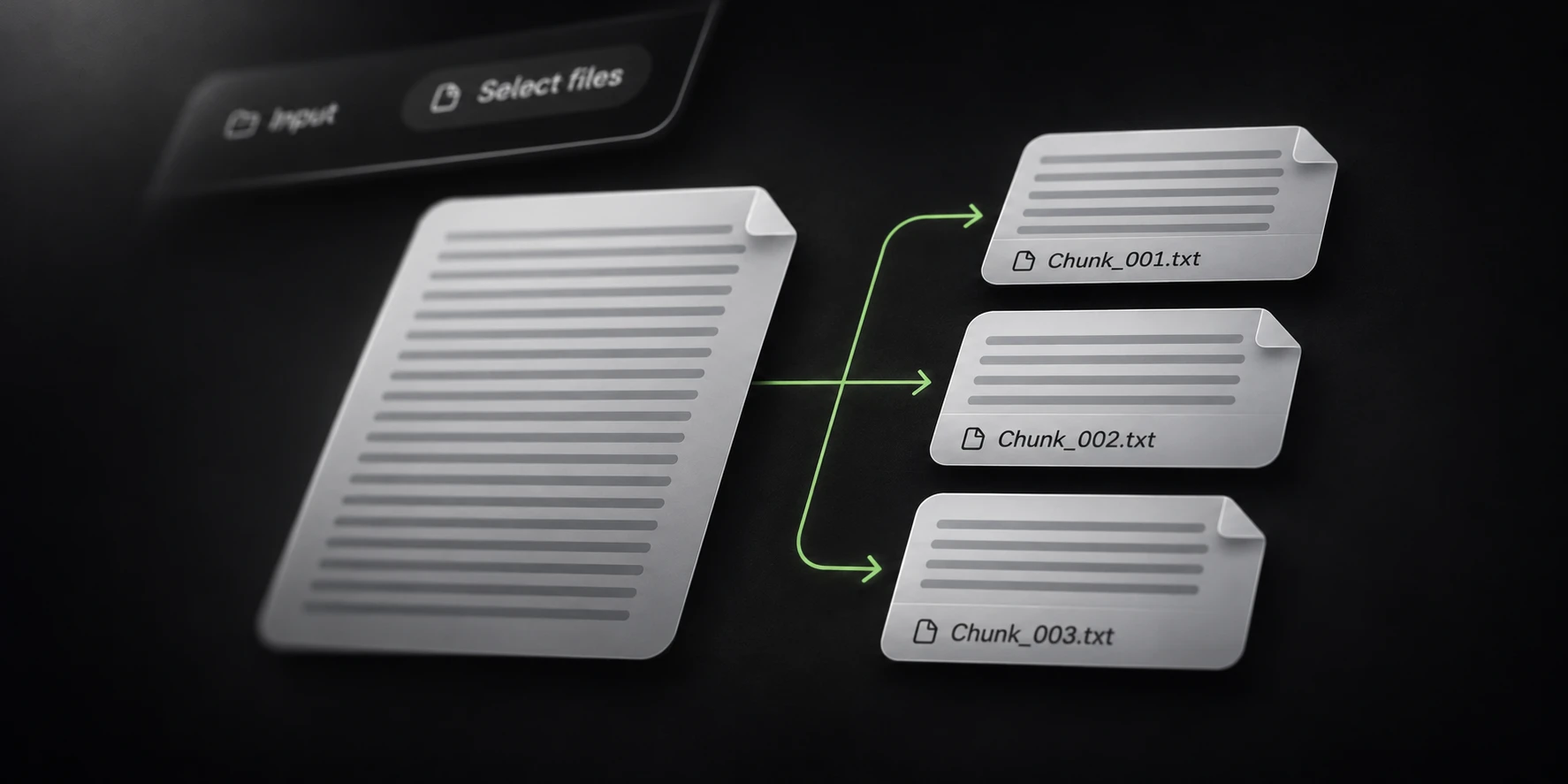
If there is only one source file, Deduper may be the more direct workflow. If the combined file will be too large for the next application, plan a separate Splitter operation after reviewing the joined result.
Verify the joined output
Select Joiner, add the inputs and choose a local output folder. Review deduplication before selecting Execute. Keep source files and output locations clearly distinguishable.
Joiner writes joined.txt. For the sample, expect three saved rows with deduplication enabled
or four with it disabled. Inspect the actual row values as well as the counts before scaling up.
Large runs depend on storage, unique-row count, row lengths and configured buffers. Do not infer a completion time from a smaller example or a peak progress rate. Wait for processing and output saving to finish before handing the file to another application.
Stopping a run can leave only part of the combined input processed. Preserve its completion state alongside any saved output. A valid partial file is not evidence that every selected input has been consumed.
The Sort documentation lists module defaults and output filenames. Use that reference when combining Joiner with cleaning, filtering or splitting, and verify each stage’s intended effect.