Filter Large Text Files With Plain Text or Regular Expressions
Choose a matching rule, test positive and negative examples, and review matched and unmatched rows.
A useful text filter starts with examples that should match and examples that should remain outside the result. Test both groups before applying a pattern to a large file.
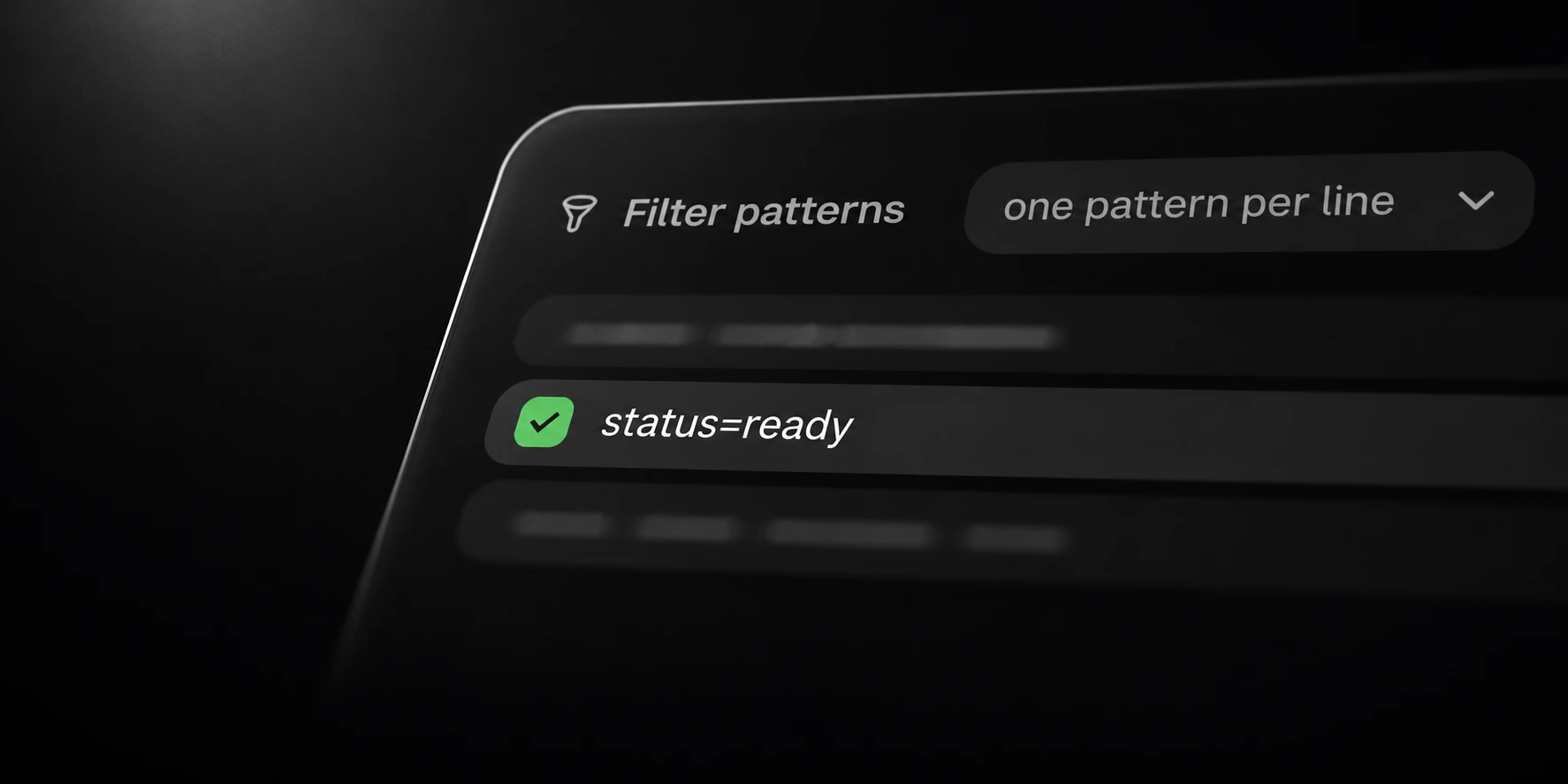
Sort’s Filter supports plain substring matching or a regular expression. Its default is plain matching, with inversion off and unmatched output enabled.
Choose literal or pattern matching
Use a plain substring when you need a particular piece of text wherever it appears in a row. A substring is not automatically a complete-field or complete-row comparison.
For example, the literal substring status=ready also appears inside status=ready_later. Decide whether that longer value belongs in the result before accepting
the rule.
Regular expressions can describe a more specific structure. Their punctuation has meaning, so an expression copied from another tool needs a controlled test with the accepted syntax.
Inversion reverses which side of the matching rule is selected. Record that setting explicitly; an inverted run and a normal run can both be correct while producing different outputs.
Test matches and non-matches
This synthetic sample makes a potentially misleading substring visible:
job-1 status=ready
job-2 status=waiting
job-3 status=ready_later
A literal status=ready search matches the first and third rows. If you intended only the first,
the rule needs refinement. A reduced row count alone would not reveal the mistake.
Add malformed, empty-field and representative long records from a non-sensitive fixture. Review the full saved rows so a partial-looking match cannot be mistaken for a normalized record.
When using a regular expression, check that a non-matching row stays out as well as checking that a positive example enters the output. Avoid changing several settings at once.
Inspect both output groups
Filter writes selected rows to filtered.txt. With unmatched output enabled, the other group
is available in unmatched.txt. Preserve both during evaluation.
Turning off unmatched saving changes which file is written. It does not make rejected classification counts disappear or change the meaning of the selected rule.
A filter does not by itself validate account access, repair data or prove that every selected row is semantically correct. Use the matching result for the defined task.
For a completed operation, reconcile the selected and non-selected rows with the input scope. Retain completion state when processing is interrupted so the unchecked remainder is clear.
If the result is still too large for the next application, Splitter can create smaller parts. Use Deduper separately when the downstream workflow requires unique rows.