Rotating Versus Sticky Residential Proxies
Choose connection rotation or a temporary sticky session for tools that support residential proxies.
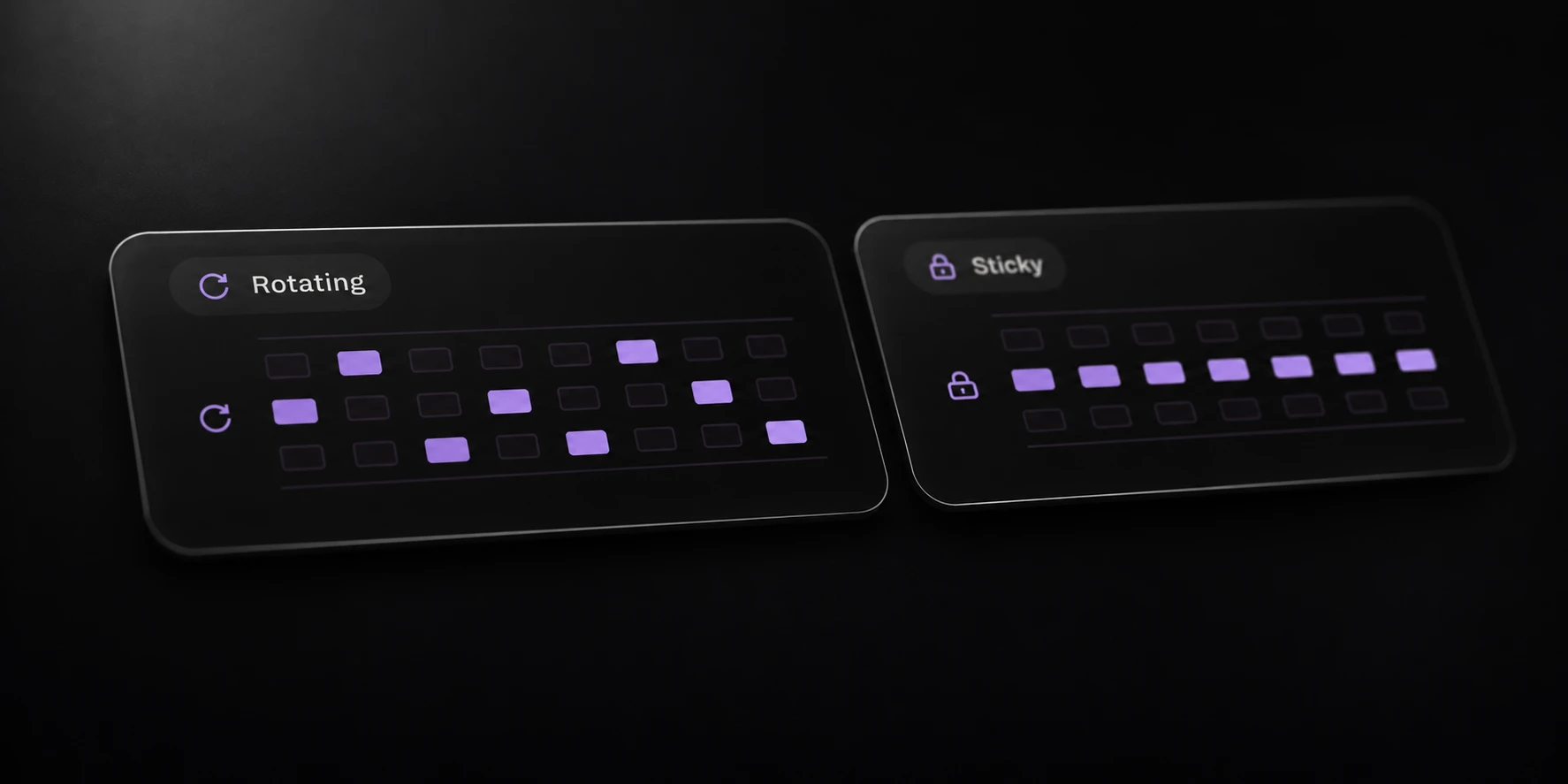
Choose a rotating proxy when your tool can work with a new exit IP on each connection. Choose a sticky session when a short sequence of related connections should request the same exit. The choice depends on how the application uses its network connections.
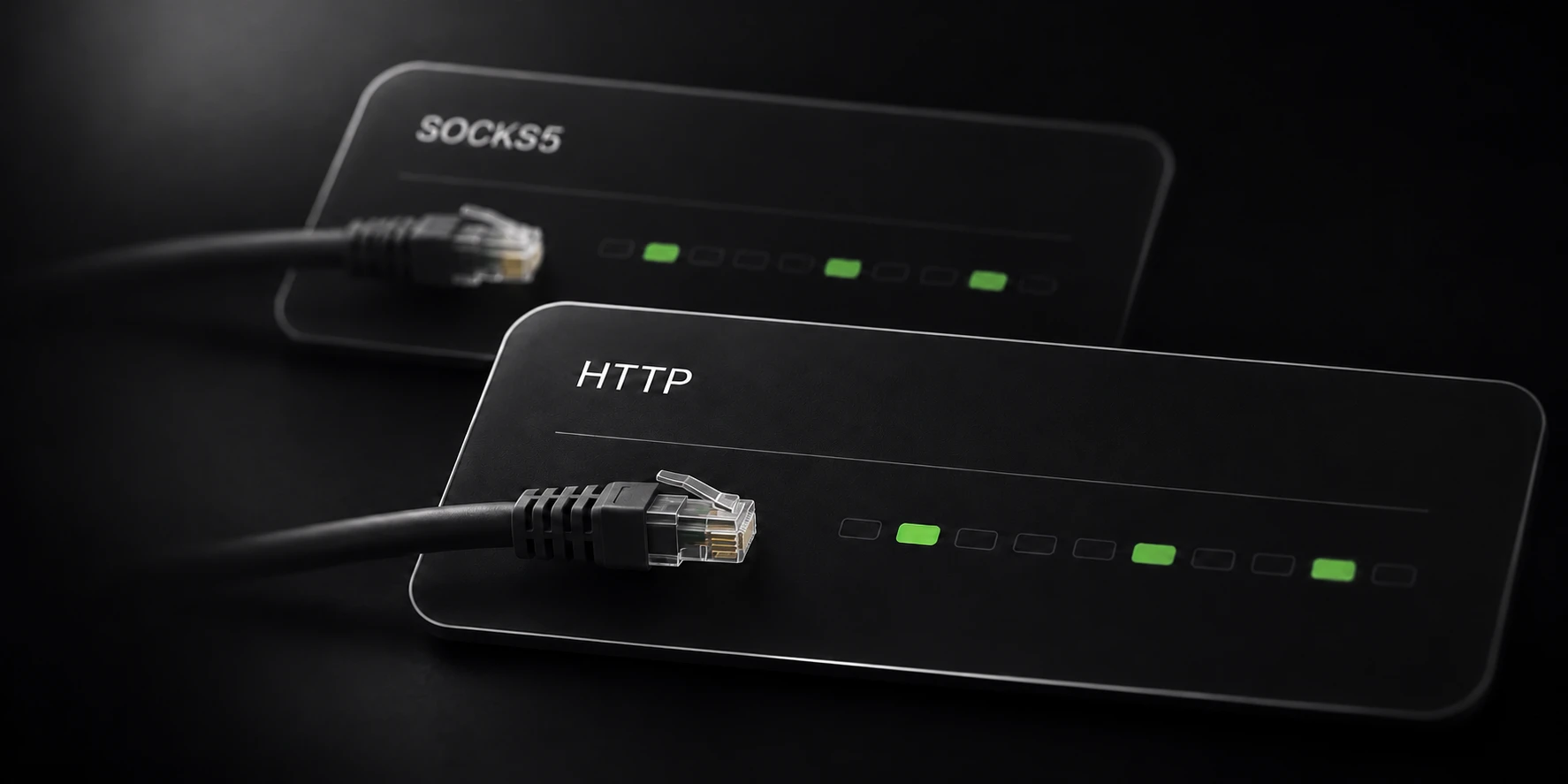
Krantz provides prepaid residential HTTP and SOCKS5 proxies. Protocol, location and session behavior are separate settings, so choosing SOCKS5 does not itself choose rotation or stickiness.
Understand connection rotation
Rotation is tied to connections. An application can reuse one connection for several requests, so a rotating setting should not be interpreted as a guarantee that every application-level action receives a different IP.
Start with the tool’s connection behavior. A single long-lived connection and a tool that opens many short connections can produce different observations with the same generated proxy settings.
A generated line is a connection configuration, not a promise of a unique permanent exit IP. Generating a larger list does not establish that every line will resolve to a different address.
Keep the proxy protocol and authentication fields consistent with the destination tool. A connection-format error can occur before rotation has any opportunity to take effect.
Choose a temporary session
Sticky mode requests continuity for a temporary session. The current generator accepts durations from 1 to 120 minutes. It does not turn residential exits into permanently reserved IP addresses.
Choose a duration that matches the operation you need to complete. A requested session can still be affected by IP availability. Do not build a workflow that treats a temporary residential exit as an unchanging network identity.
Location filters narrow the requested location. They are not a guarantee that an exit in every listed country, region or city will remain available throughout your operation.
If the tool needs continuity, preserve the generated session configuration during that operation. Changing the session settings while diagnosing a failure can make the comparison inconclusive.
Test the settings in your tool
Generate a small list using the intended protocol and session mode. Import one configuration into the application you plan to use. Verify authentication and a permitted connection before increasing the list size or concurrency.
When checking exit behavior, keep the protocol, location, session duration and application settings constant. Record whether the tool reused a connection or created another. A changing result without that context does not isolate a proxy setting.
Traffic is prepaid and does not expire. All current packs use the same per-GB price; buying more generated lines is not the same as buying more traffic. The live product page owns current offers.
The setup guide explains generation and exports. The related protocol article helps you choose between HTTP and SOCKS5 without confusing the protocol with session behavior.