HTTP Versus SOCKS5 Proxies: Choose the Format Your Tool Supports
Match proxy protocol, authentication and exported format to your existing application.

The right proxy protocol is the one your application supports for the connection it needs to make. Start with that application’s configuration, then select HTTP or SOCKS5 in the generator. Changing a filename or separator does not change the protocol.
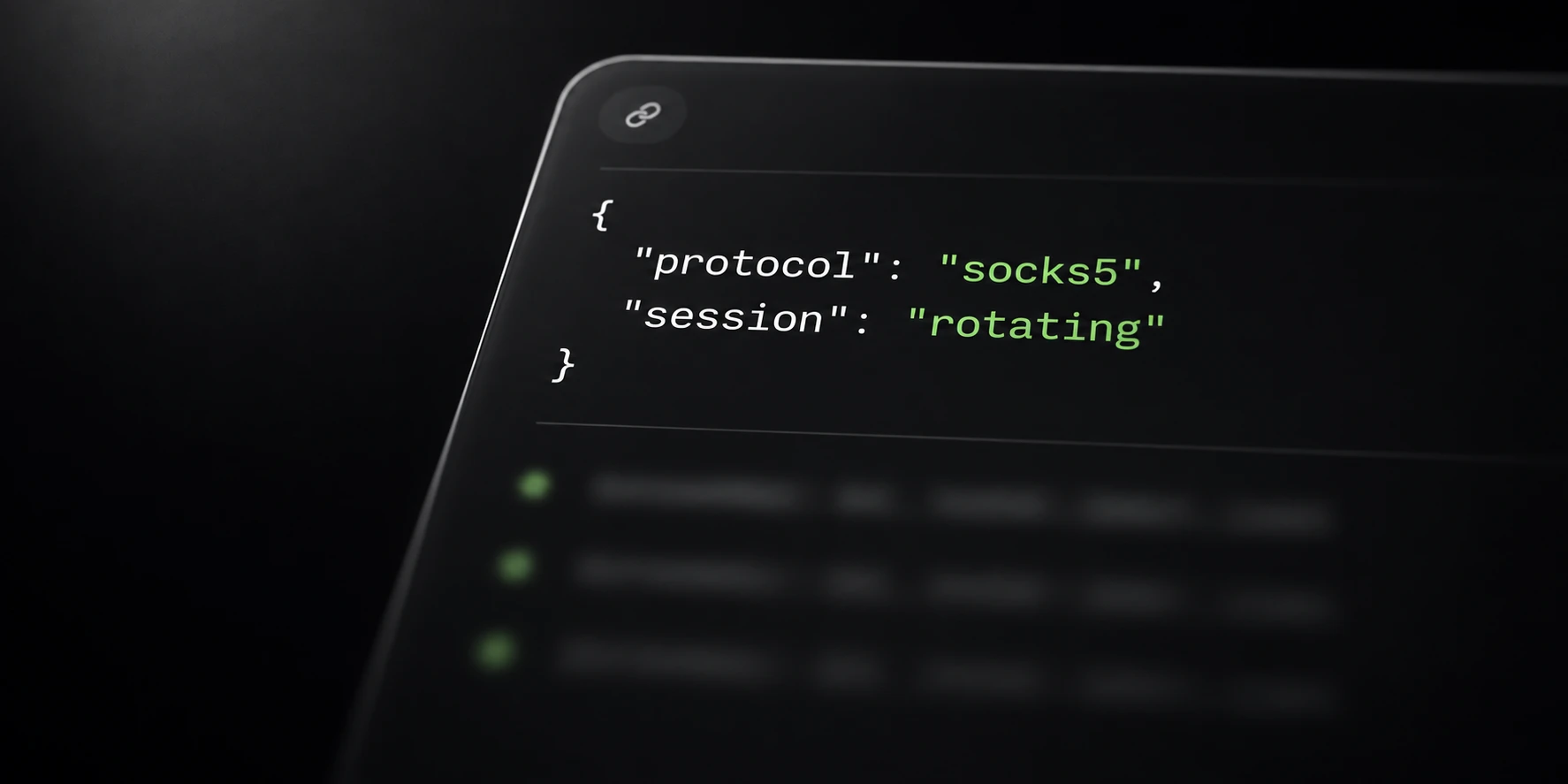
Krantz supports username-and-password authenticated HTTP and SOCKS5 proxy configurations. Both can be used with the service’s location and session options.
Start with the application’s supported protocols
Check the application’s proxy settings for the accepted protocol and authentication fields. Some tools use separate host, port, username and password inputs; others import a single line.
HTTP proxying includes the CONNECT tunnel method described in HTTP Semantics. SOCKS5 uses its own negotiation protocol, defined in RFC 1928.
Those protocol definitions describe standards, not a promise that every optional capability is implemented by this service or by a particular application. For example, do not infer UDP support from the presence of a SOCKS5 option.
Proxy authentication is also separate from authentication at the final destination. If the application reports an error, identify which stage rejected the connection before changing settings.
Keep protocol and text format separate
A text export arranges connection values for an application’s parser. Protocol selection determines how the connection is negotiated. The same general fields can be arranged in different formats.
This documentation-only example shows four placeholder fields:
proxy.example.test:12345:YOUR_PROXY_USERNAME:YOUR_PROXY_PASSWORDThe address and port above are illustrative and do not provide a working proxy. Use the exact output generated for your account and the format accepted by your tool.
If the tool expects separate fields, copy each generated value to its corresponding input. If it expects a scheme, choose the supported scheme format instead of adding punctuation by guesswork. Keep generated credentials and lists private.
Verify one connection before scaling up
Test one configuration first. Confirm that the application is using the intended proxy protocol, that its authentication fields are populated, and that the chosen location/session settings match your operation.
Separate failure stages: importing a line, connecting to the proxy, proxy authentication and connecting to the destination. A failure in one stage does not establish that all others failed.
After the small test works, generate the needed list, up to the current 1,000-line generation limit. A larger export does not guarantee unique permanent IP addresses and is not a traffic pack.
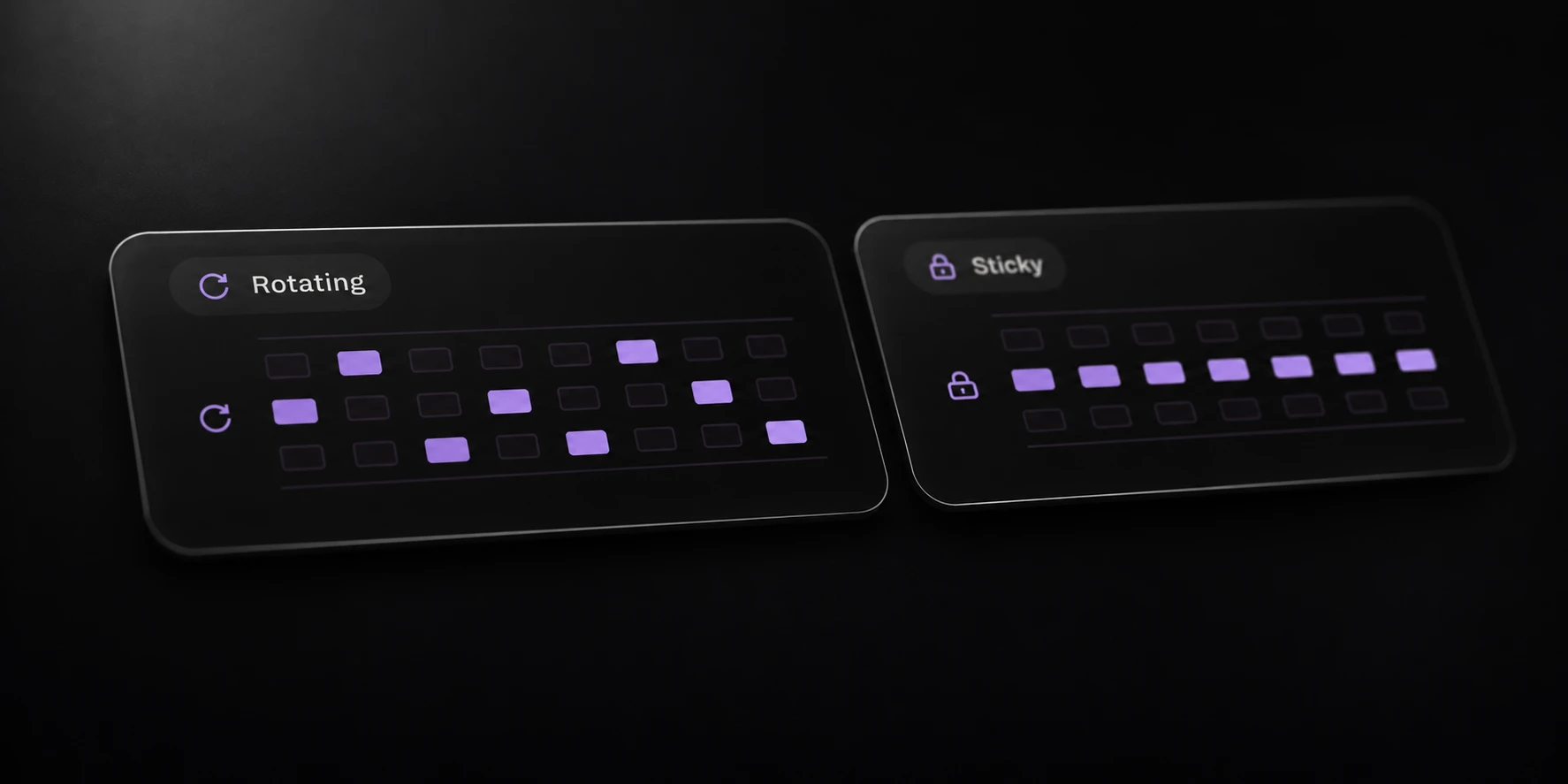
Choose rotating or sticky behavior independently. The related session guide explains that choice; the setup documentation lists the browser workflow and public API entry points.