Generate HTTP and SOCKS5 Proxy Lists Through the API
Prepare a valid generation request, choose JSON or plain text, and preserve session and format settings.
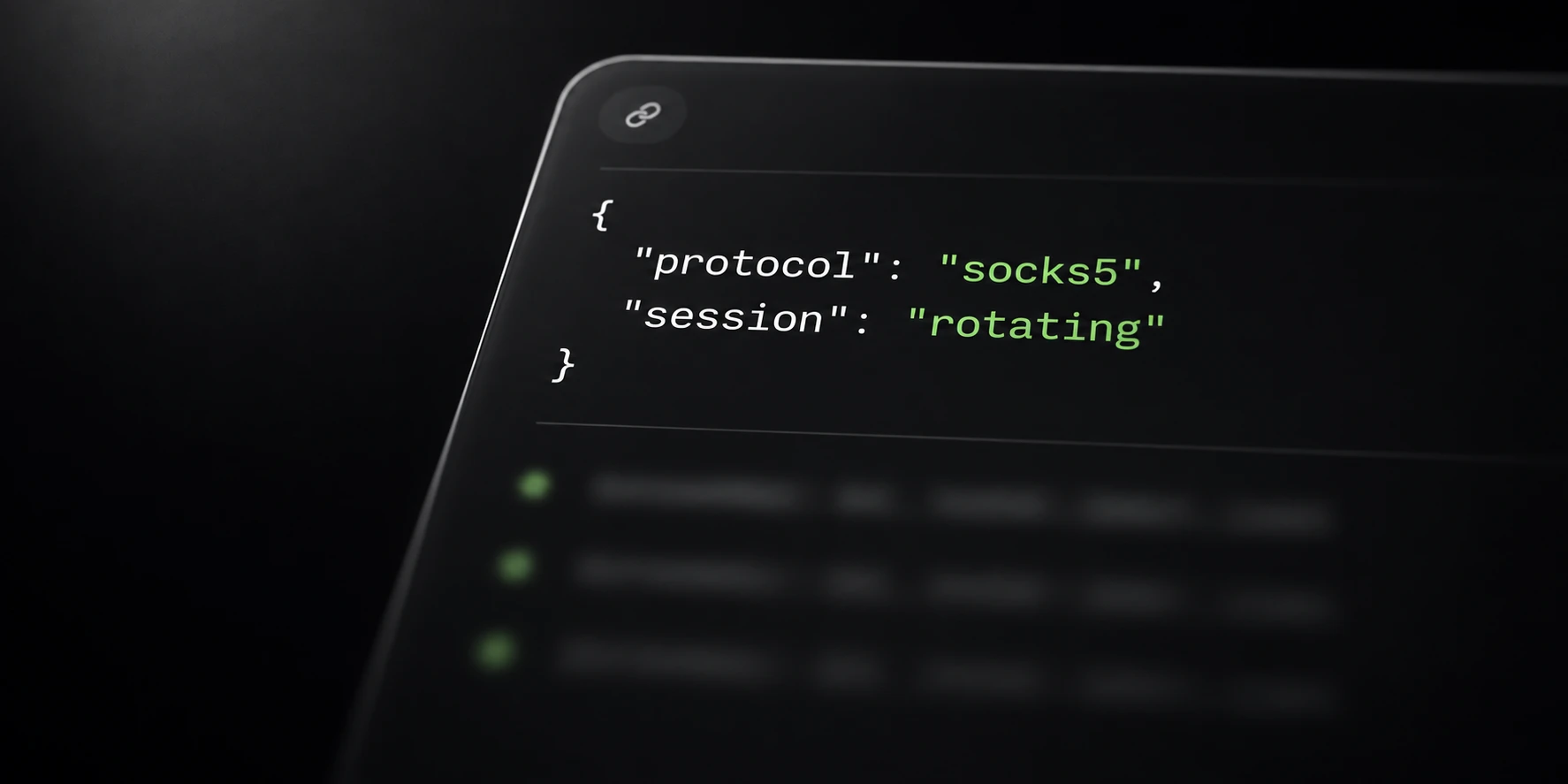
Use the proxy API when an existing tool or script needs a repeatable way to generate connection lists. Start with a small request and confirm its output before integrating it into a larger workflow.
API generation and browser generation use the same account’s proxy service. Keep traffic balance, list size, protocol and session behavior as separate decisions.
Prepare the account and request
Create an API key in the proxy dashboard and keep it private. The bearer key authenticates your API request; generated proxy credentials authenticate the later proxy connections.
Choose a count from 1 to 1,000, a protocol, session mode and supported export format. Include optional location fields only when you intend to request that location.
A country uses a two-letter code. A region requires its country, and a city requires its region. Use IDs from the location catalog rather than inventing region or city names.
Sticky requests may include a duration from 1 to 120 minutes. Rotating requests should not include that duration field. Review session behavior independently of the text format.
Request a small proxy list
This example uses a placeholder key and asks for ten SOCKS5 configurations as plain text:
curl https://krantz.run/api/v1/proxies/generate -H 'Authorization: Bearer YOUR_API_KEY' -H 'Content-Type: application/json' -H 'Accept: text/plain' -d '{"count":10,"protocol":"socks5","session":"rotating","format":"host_port_user_pass"}'The example does not provide a working key or proxy. Run it only with your own account and settings. Do not include actual keys or generated credentials in public logs or support messages.
With the exact Accept: text/plain header, generation returns one proxy per line.
Without that header, the response is JSON and includes the generated proxies array.
Check the HTTP status before handing the body to another tool. An error response is not an importable proxy list, even if a script saved it with a text filename.
Review output before automation
Import one generated configuration into the intended application. Verify protocol, host, port and authentication before increasing the request count.
A returned batch does not promise that every configuration uses a distinct permanent exit IP. Sticky availability remains temporary, and location availability can change.
Use the balance and usage endpoints when reviewing account traffic. Generating another list does not purchase another pack or establish how much traffic the next task will consume.
Keep the generation ID with your own operation notes if you need to locate the saved batch later. Protect output files because they contain proxy authentication material.
The setup documentation lists the supported routes and all five export formats. The protocol and cost guides explain the choices that generation alone cannot make for your application.