Why Working Email Accounts Can Fail a Mail Checker
A browser login and a checker result can disagree. Use the result category and original cause to find what actually failed.
An account that opens in a browser can still fail a checker run. The checker may be using another login method, a stale saved password, a different connection, or a sign-in flow that requires an additional account action. It may also fail before the provider evaluates the credentials.
The first useful step is to read the exact result category. “Failed” is too broad to tell you whether the login was rejected or the check never reached a conclusion.
Read the exact result
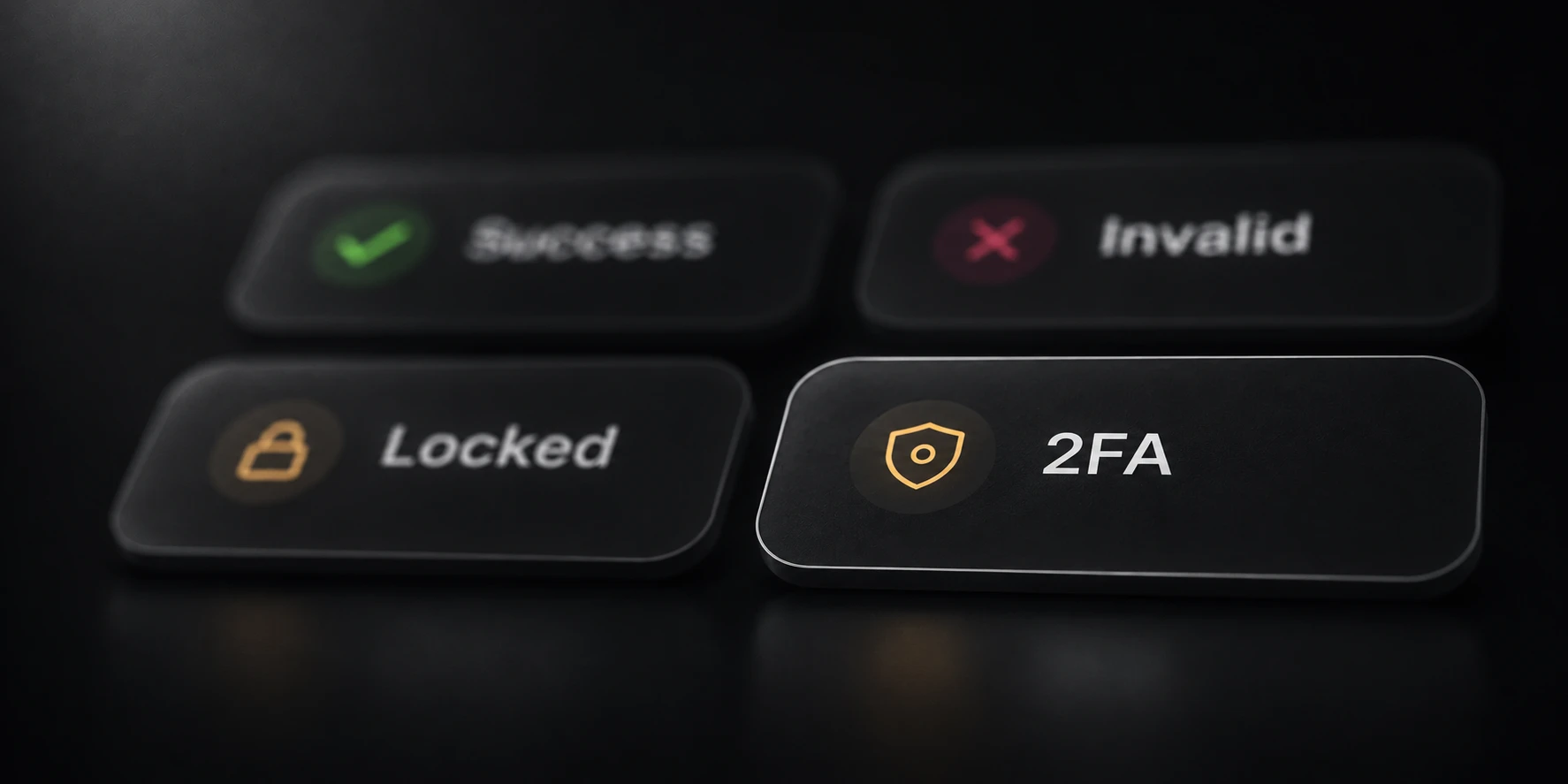
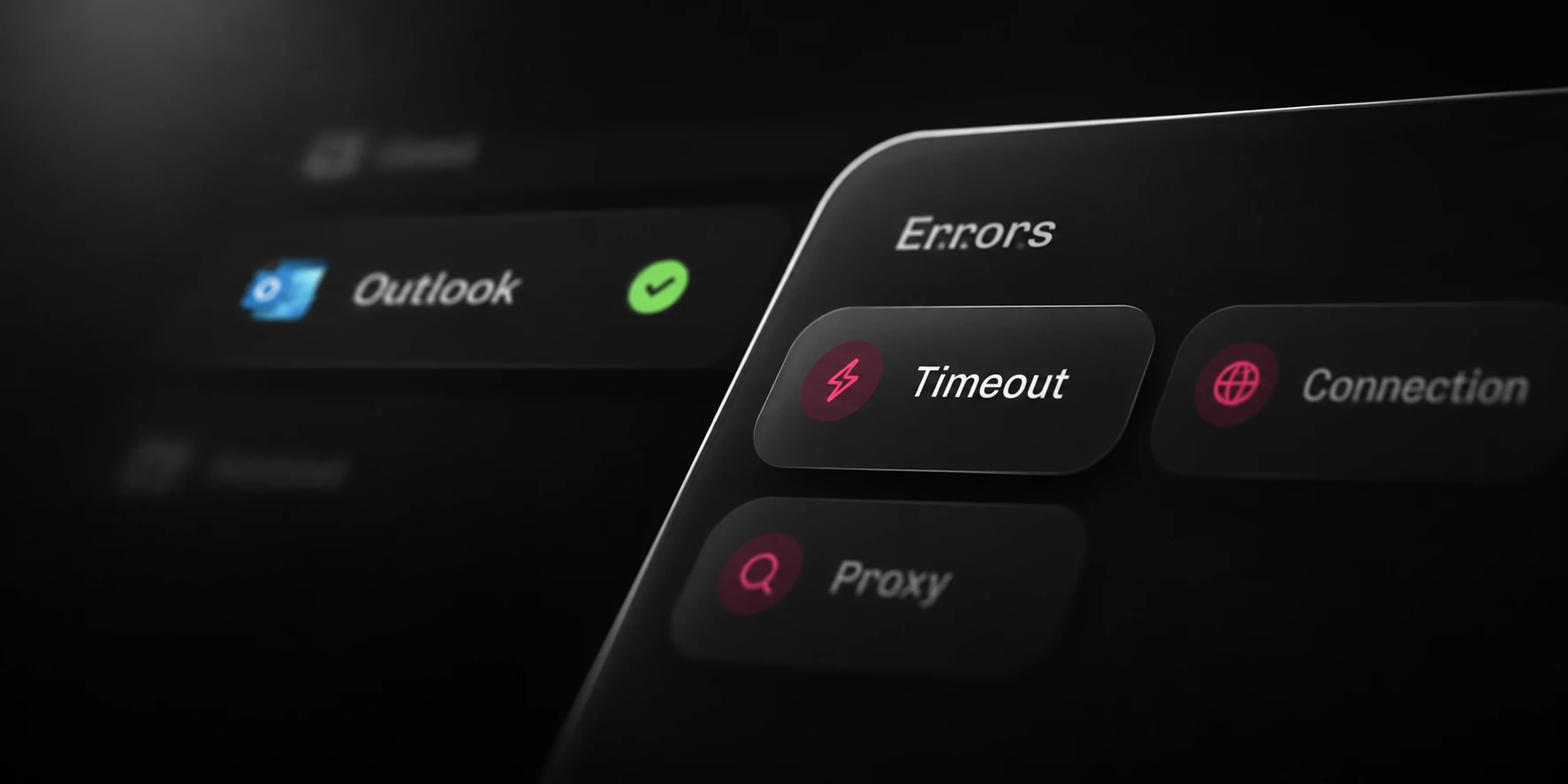
In Mail, Invalid means the provider rejected the supplied email/password combination through the method used for that check. Connection failed, Timed out, Proxy failed and Rate limited describe checks that did not verify the login.
Locked, 2FA required, Change password and Verification required describe account states that need their own interpretation. Keep them separate when reviewing an input list. Relabeling every non-success row as Invalid removes the information you need to investigate it.
Open Details and preserve the original cause. If the checker reports a method problem, investigate that method. If it reports a network failure, establish the connection before drawing conclusions about the account.
Check the saved login and method
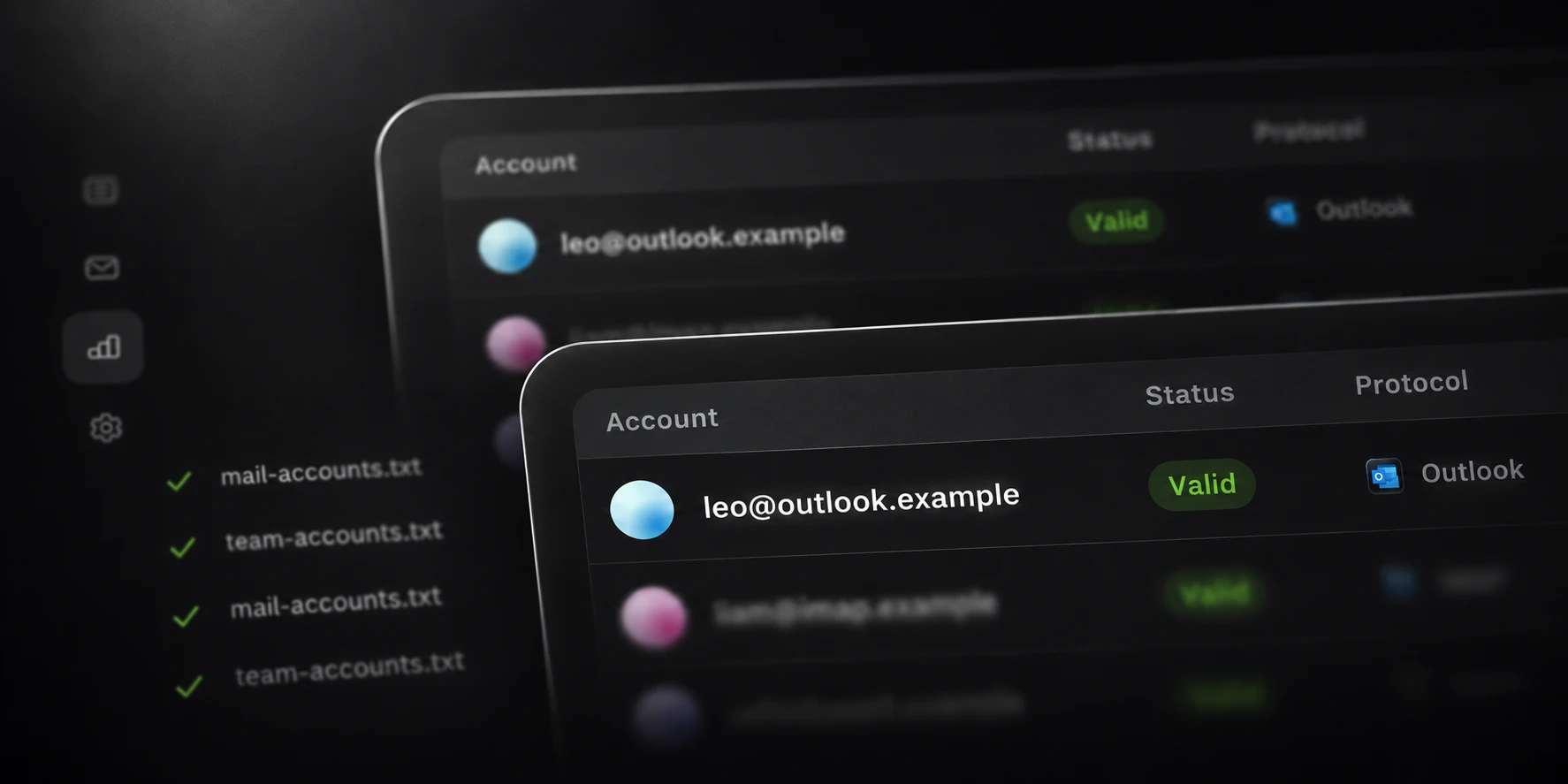
A browser can remain signed in without testing the password currently stored in your account file. Confirm the exact address and current login information for an account you own or manage. If its password changed, update the saved row before rechecking it.
Check the input format as well. Mail accepts UTF-8 account rows using email:password or email;password. Blank or malformed rows are skipped. Keep the original input available while
you inspect a small affected sample.
Then compare the checking method with the provider’s requirements. Some accounts need a supported modern sign-in flow or a provider-specific app password. Microsoft, for example, documents modern authentication requirements for Outlook.com. A browser session alone does not establish that another method will accept the same sign-in.
Separate connection failures
Work from the reported failure rather than changing several settings at once.
| Outcome | What the check established | Useful next check |
|---|---|---|
| Connection failed | A connection could not be completed | Network and configured route |
| Proxy failed | The configured proxy failed | Proxy configuration and availability |
| Timed out | An operation exceeded its deadline | Original operation and connection conditions |
| Rate limited | Requests were limited | Provider guidance and parallel work |
A timeout by itself does not prove which party caused the delay. Preserve the original details and retry a small sample under recorded conditions. That gives you a comparison you can interpret.

Identify required account actions
If the provider requires verification, a password change or account recovery, review that action through the provider’s own account flow. A checker result does not complete the owner’s required verification step.
For Outlook, Mail requires an access token before recording Success. An accepted password followed by an unfinished sign-in remains an error. Check that detail before assuming a working browser session means the checker should have reported Success.
Make a controlled recheck
Keep the original run and recheck a small sample after addressing the specific cause. Record the selected method, connection, concurrency and time. Change one relevant condition at a time.
Mail’s invalid-login retry repeats the same method; optional method fallback is a separate control. Neither setting should be used as a substitute for understanding an account restriction or a connection failure.
Compare the new outcome with the saved earlier details. If the cause remains unresolved, keep the account in that unresolved group. A useful checker helps you retain that distinction rather than forcing every row into a simple good/bad split.