How to Test a Mail Checker’s Accuracy Before Buying
Evaluate a checker with known account outcomes. Compare classifications, unresolved checks and saved results before trusting a headline accuracy claim.
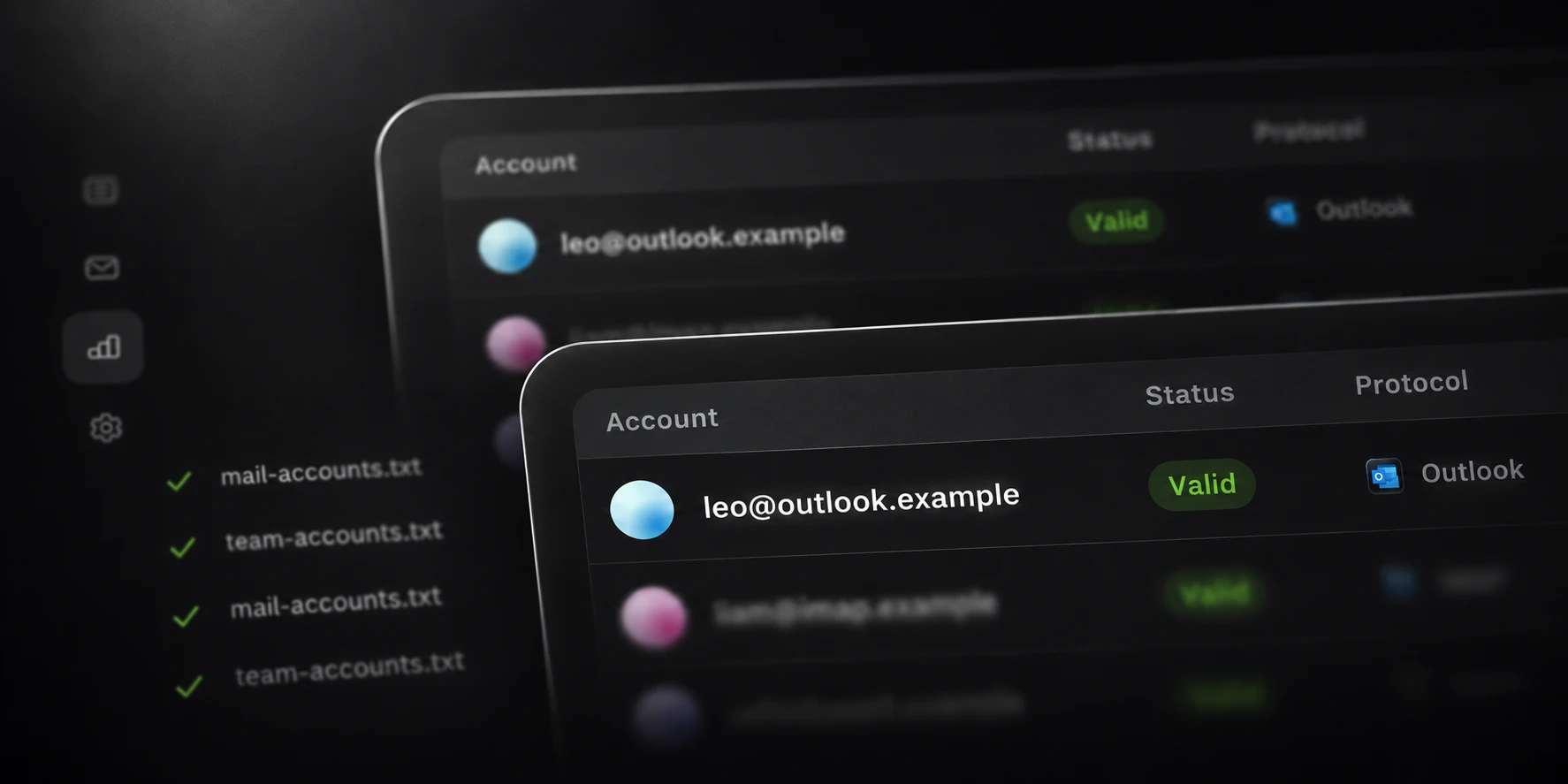
Test a mail checker with a small set of accounts whose expected outcomes you know independently. Include more than successful logins, preserve the test conditions, and compare the saved output with the application’s displayed results.
This approach lets you evaluate the part of accuracy that matters to your workflow: whether the checker distinguishes completed access, rejected credentials, required account actions and checks that could not finish. The examples below describe an evaluation method, not a Mail benchmark.
Build a known-account sample
Use accounts you own or are authorized to manage. Confirm their current state through an independent, appropriate provider sign-in flow before recording an expected outcome. A browser tab that was already signed in is not a fresh test of the password in your input file.
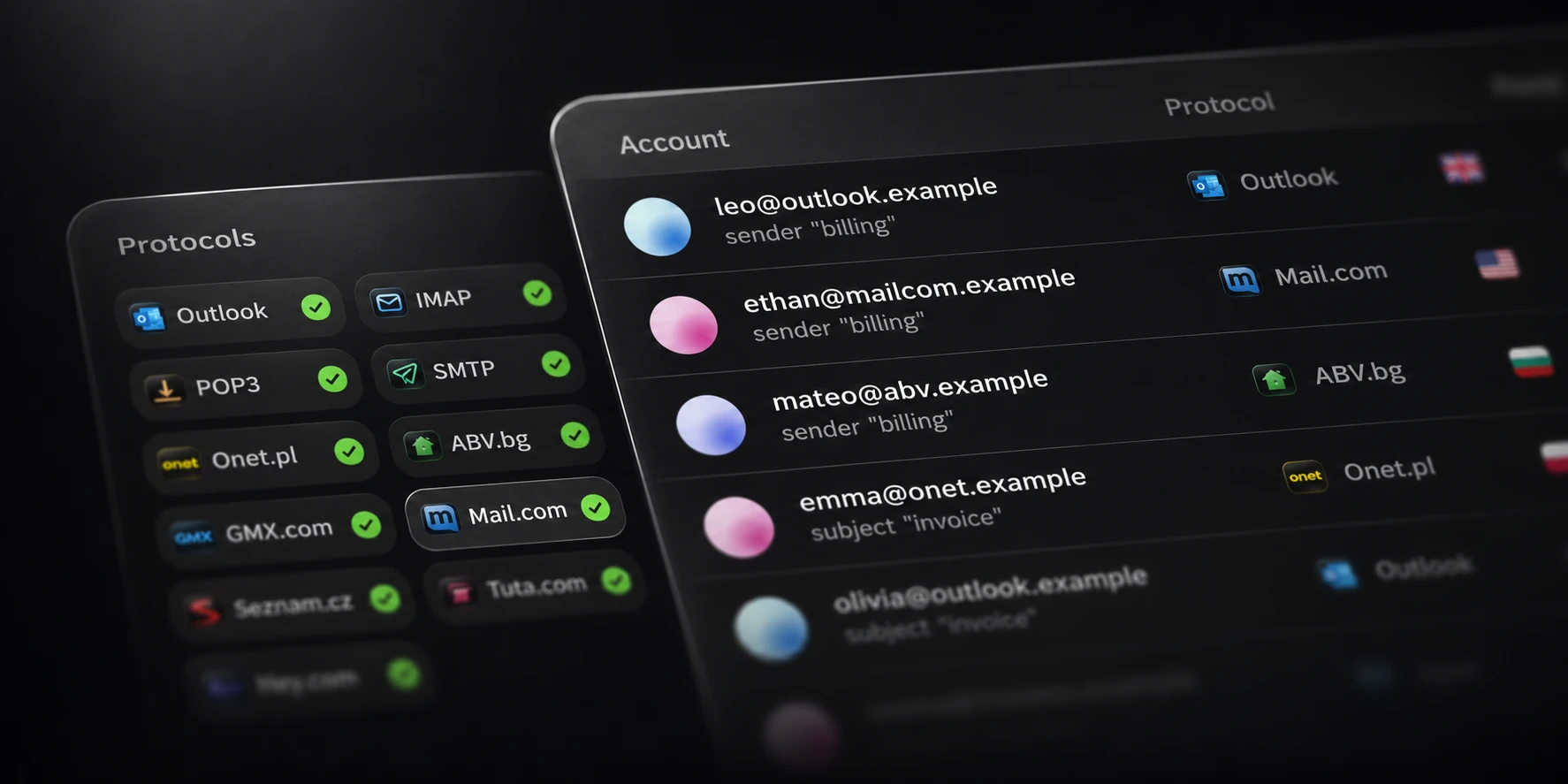
Represent the providers in your real list. Include a working account and, where available, accounts with an independently established verification or lock state. Use a controlled incorrect password only within a small authorized test; avoid repeatedly triggering provider protections.
Record the evidence and the time rather than assuming the state will remain unchanged. A password can change, an account can require verification, and a provider can become temporarily unavailable.
Record the checking conditions
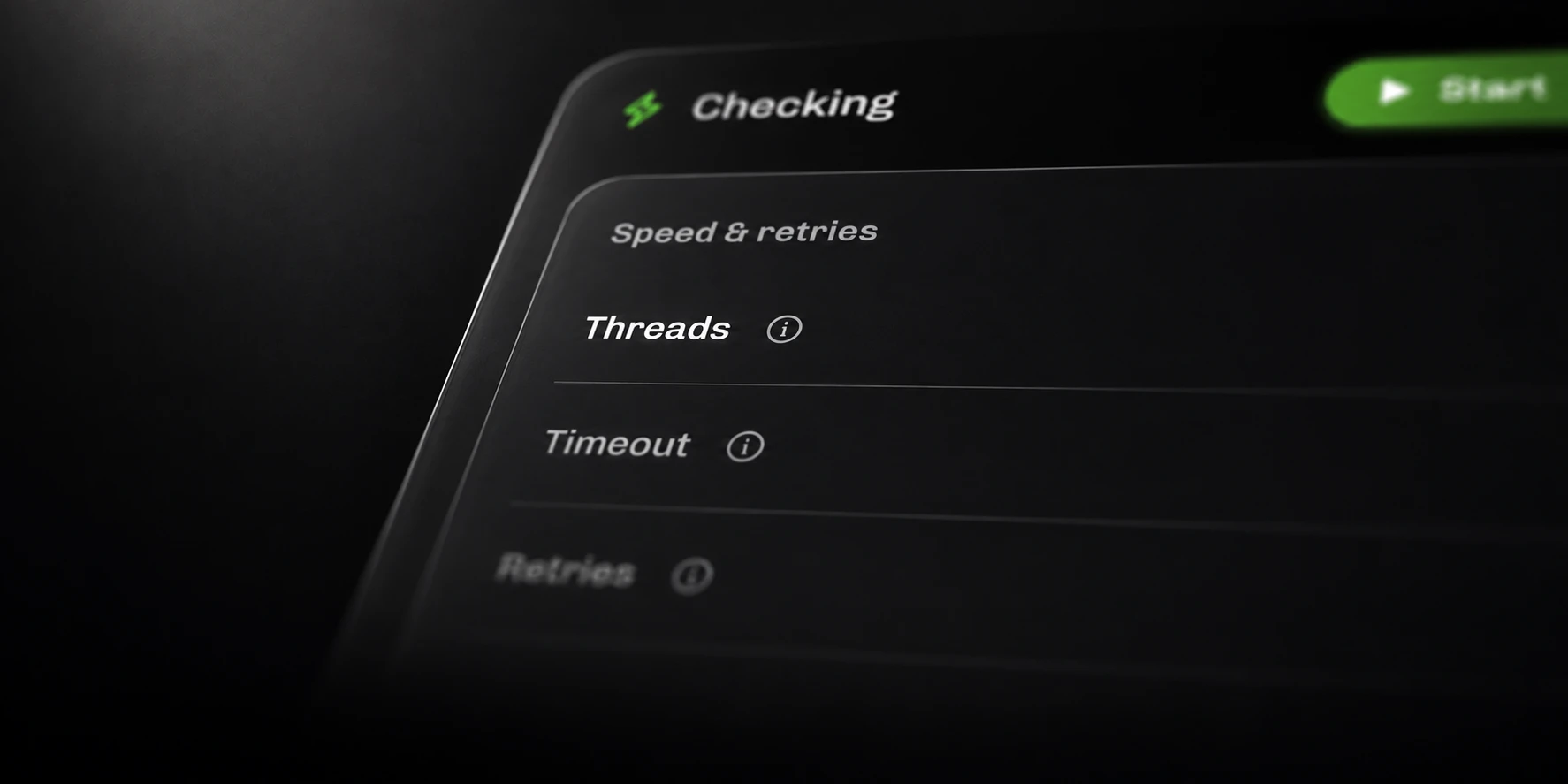
Keep the input sample fixed for each comparison. Note the selected methods, fallback setting, thread count, timeout, retries and connection configuration. If you compare two checkers, record any differences they cannot be configured to share.
Separate account authentication from optional extra work. When your question is login-checking accuracy, compare the login outcomes before drawing conclusions from unrelated optional tasks.
A useful record has one row per account, with these fields: provider, expected outcome, evidence time, checker method, observed status, original error and check time. Keep passwords and session material private; the evaluation summary does not need to repeat them.
Compare classifications
Inspect the mismatches individually. A checker that records an unfinished sign-in as Success creates a false success. A checker that records a transport error as Invalid creates a different kind of classification problem.
| Known condition | Outcome to inspect |
|---|---|
| Authentication completes | Whether the checker confirms completed access |
| Provider rejects the supplied credentials | Whether it records credential rejection |
| Provider requires an account action | Whether that requirement remains visible |
| Connection cannot complete | Whether the check remains unresolved |
For Mail’s Outlook method, an access token is required for Success. This gives you a concrete criterion to examine when a password appears accepted but the provider’s sign-in flow does not finish. Cookie presence is not an equivalent success criterion.
Count unresolved checks separately
Do not make an accuracy percentage look better by omitting difficult checks without saying so. Record how many accounts reached a concluded outcome and how many remained unresolved.
For example, if a hypothetical sample contains 25 accounts and five checks time out, those five checks need a separate unresolved count. Matching the expected outcomes for the other 20 does not establish a correct classification for all 25 accounts.
Keep classification errors separate from completion rate. Both matter: a tool may classify its completed checks correctly while leaving too much of your provider mix unfinished for your needs.
Check repeatability and saved output
Repeat a small sample under recorded conditions and compare the results account by account. Investigate differences against the provider’s current state before assigning a cause to the software. Preserve earlier runs so the comparison remains auditable.
In Mail, review local History and the status/error output files. Check that the saved rows agree with the visible outcomes and that technical failures remain distinguishable from Invalid.

Use that evidence when deciding whether a checker fits your list. A repeatable evaluation with clear unresolved cases is more useful than a headline accuracy claim without its sample, conditions and definition of Success.