Mail Checker Speed: What Actually Affects Accounts per Minute
Understand how concurrency, provider response times, retries and connection quality affect useful checking throughput.
Accounts per minute depends on how quickly checks finish, how much work runs in parallel, and how often a check needs another attempt. Raising the thread setting changes only one part of that system. It can increase the work waiting on the same connection or provider without increasing the number of useful completed checks.
Compare speed together with result quality. A run that quickly produces mostly connection errors has a different value from a run that reaches concluded account outcomes at a steady rate.
Measure useful checking work
Decide what you are timing. For a login-checking comparison, use the same input sample and selected methods, and include the time needed to finish retries and write the output.
Record concluded account outcomes and unresolved technical failures separately. A rejected credential is a concluded check; a timed-out connection is not. Both may move the progress counter, but they establish different things about the account.
Use the whole-run result when making a purchase or configuration decision. A short peak can occur during an unusually quick part of a mixed-provider list. It does not describe how the remaining accounts will behave.
Understand what threads control
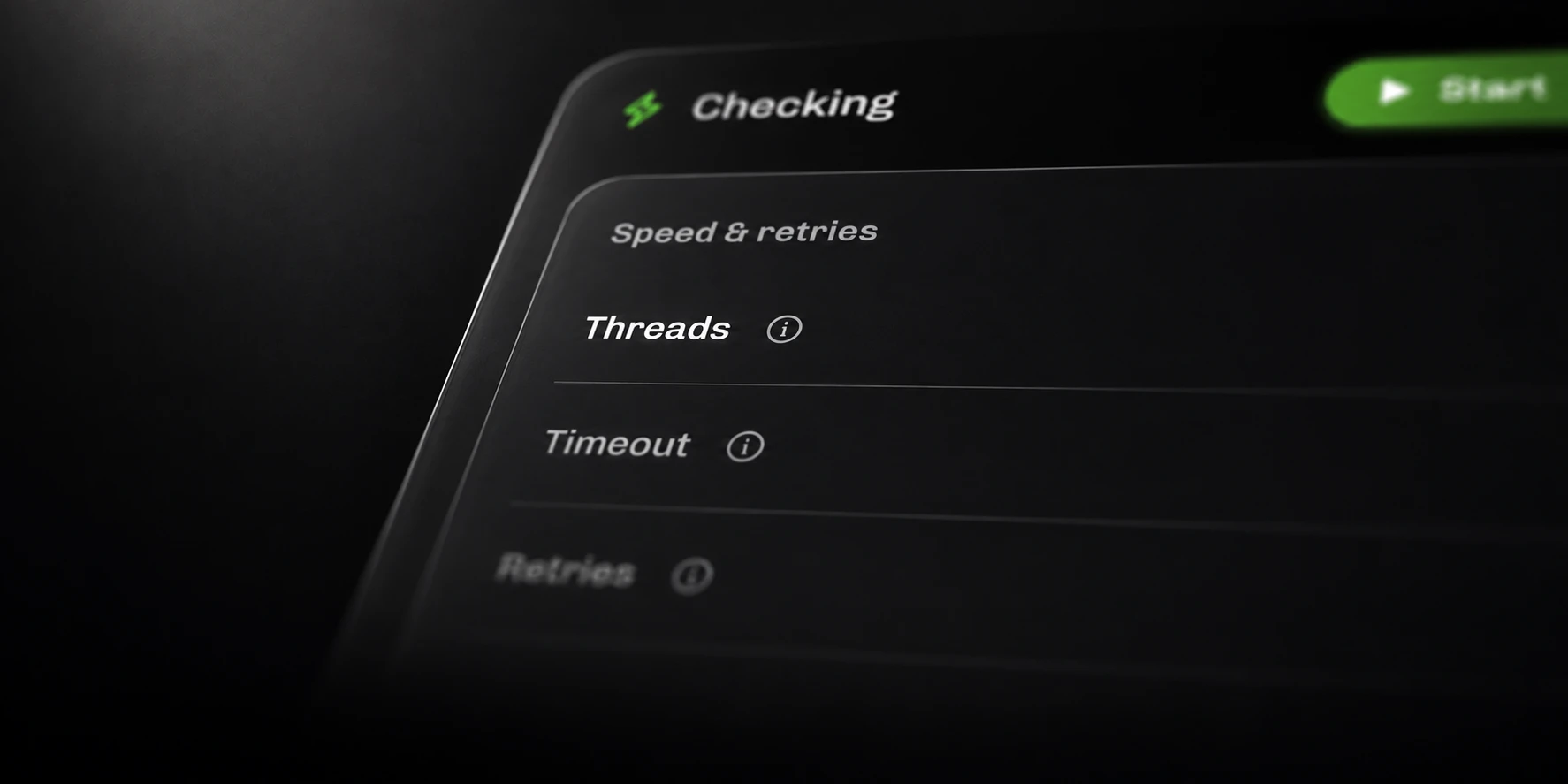
The Threads setting controls configured parallel work. More concurrency can help while the machine and remote providers have capacity. Once another resource becomes the bottleneck, additional work can spend more time waiting or failing.
Mail Pro allows up to 5,000 threads. Treat that as a configuration ceiling. Choose a useful setting for your hardware, connection and providers rather than treating the maximum as a recommended starting point.
Compare a small representative sample at two nearby settings. Keep the other controls fixed and watch both elapsed time and error composition. If increasing concurrency produces more request limits and no improvement in concluded checks, that run provides no evidence of a useful gain.

Account for timeouts and retries
A timeout limits an individual network operation. A slower operation may fail if the deadline is too short; a much longer deadline can keep unsuccessful work occupied for longer. Choose the value using the specific failure and the connection conditions.
Retries also consume time. They can help with retryable failures, but repeated permanent account outcomes do not become useful extra throughput. Mail keeps optional invalid-login retries separate from method fallback: the former repeats the same method, while the latter can use selected alternatives after retryable failures.
Keep those settings unchanged when comparing two thread counts. Otherwise, you may be timing different amounts of work and attributing the difference to concurrency alone.
Find the actual bottleneck
Inspect the result mix before choosing what to change.
| Observation | What to investigate |
|---|---|
| Provider request limits increase | Parallel requests to the affected provider |
| Proxy failures increase | The configured proxy route and availability |
| Timeouts dominate | The failed operation, response times and deadline |
| One provider group is much slower | Its methods and the mix of account outcomes |
| Saving continues after checking slows | Whether the comparison includes the full output phase |
Do not assume every slow run has the same cause. A network-bound run and a provider-limited run need different investigations. Preserve the original error details so the diagnosis stays tied to what actually happened.
Compare runs with the same conditions
Keep a simple comparison record: input sample, provider mix, selected methods, thread count, timeout, retry settings, connection route, start/end time and counts by outcome.
Change one relevant setting at a time. Repeat a small comparison when the provider’s behavior has changed, and keep the earlier run available in History. Accounts and remote services can change between observations, so unexplained differences need investigation.
Choose the configuration that produces understandable account outcomes and durable output at a sustainable rate. That is the speed you can use in your workflow.