Bulk Mail Checker: Features That Matter
Compare account checking methods, result accuracy, input limits and exports before choosing a bulk mail checker.
A bulk mail checker is useful when you need to verify access to a list of email accounts and keep the outcome for each row. The important questions are practical: does it support your providers, what qualifies as a successful check, and what happens to accounts it cannot finish checking?
Start with those questions when comparing checkers. A long feature list or a high thread limit tells you little about whether the exported results will be useful for your own accounts.
Check account access
Account-access checking differs from email-address validation. A syntactically valid address or a deliverable mailbox does not establish that the supplied credentials can complete a sign-in. Choose an account checker when that is the outcome your workflow needs to verify.
For an account list, the checker needs to evaluate the supplied login through a supported method. A result should tell you whether access completed, credentials were rejected, an account action is required, or a technical failure prevented a conclusion.
Ask what the software actually verifies before it records Success. In Mail’s Outlook method, Success requires a completed sign-in with an access token. Accepting a password without completing that sign-in is an unfinished check. A cookie saved during negotiation also does not establish that the account has a usable session.
This distinction is worth testing before purchase. If several different unfinished outcomes all become Invalid, you will spend time rechecking accounts without knowing why they failed.
Look beyond provider counts
Match the supported methods to the providers in your list. A native provider method and standard mail access can have different authentication requirements. Check the current availability of each method instead of assuming that a provider’s name covers every domain and account type it owns.
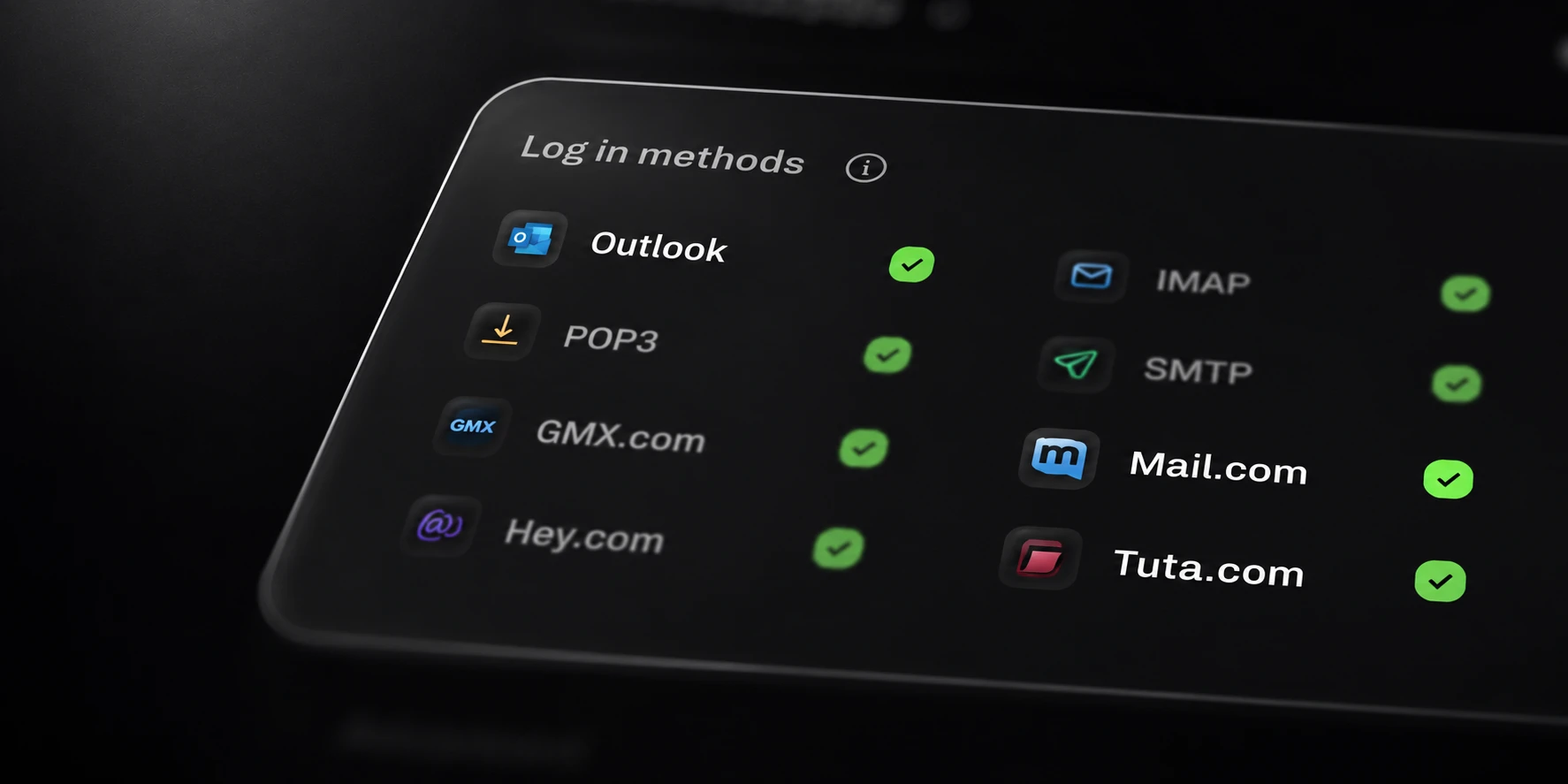
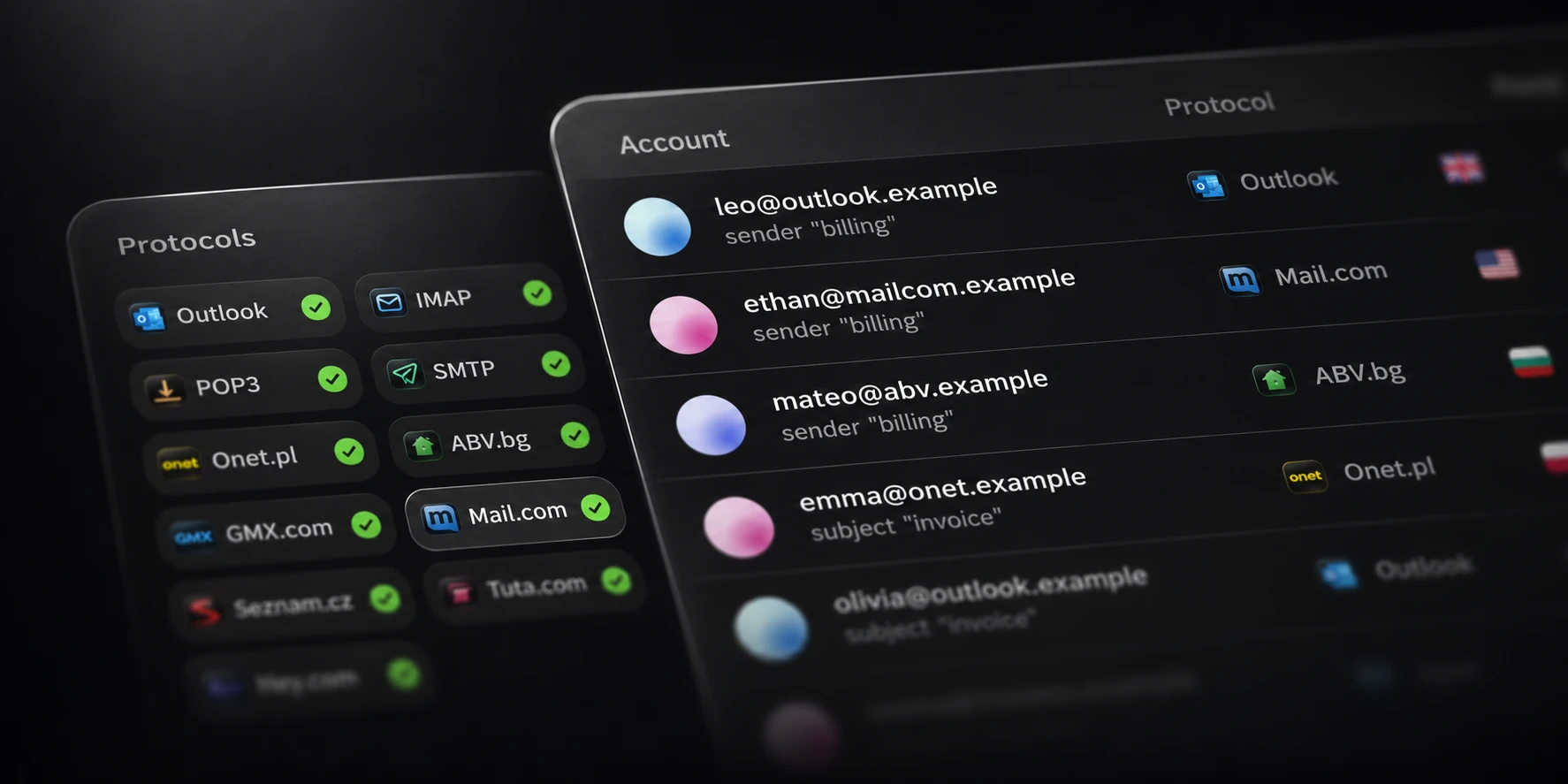
Mail includes native Outlook, Onet, ABV, international GMX.com, Mail.com, Seznam, Tuta and HEY checking alongside supported standard methods. All supported methods are included in Pro. Native Web.de and GMX.de/GMX.net are temporarily disabled; do not count them as available native methods when evaluating your list.
Use a small known sample from the providers you actually manage. The result is more informative than a demonstration containing only one provider while your real list contains several.
Get results you can use
Look for separate categories with an explanation of what each category establishes.
| Result group | What you need to know |
|---|---|
| Success | The selected checking method completed authentication |
| Invalid | The provider rejected the supplied credentials |
| Verification or account action | The owner needs to complete a required step |
| Technical error | The check did not establish a final login outcome |
The application should retain the original error details. A Timeout label is a starting point; the specific failed operation helps you decide whether another check is useful.
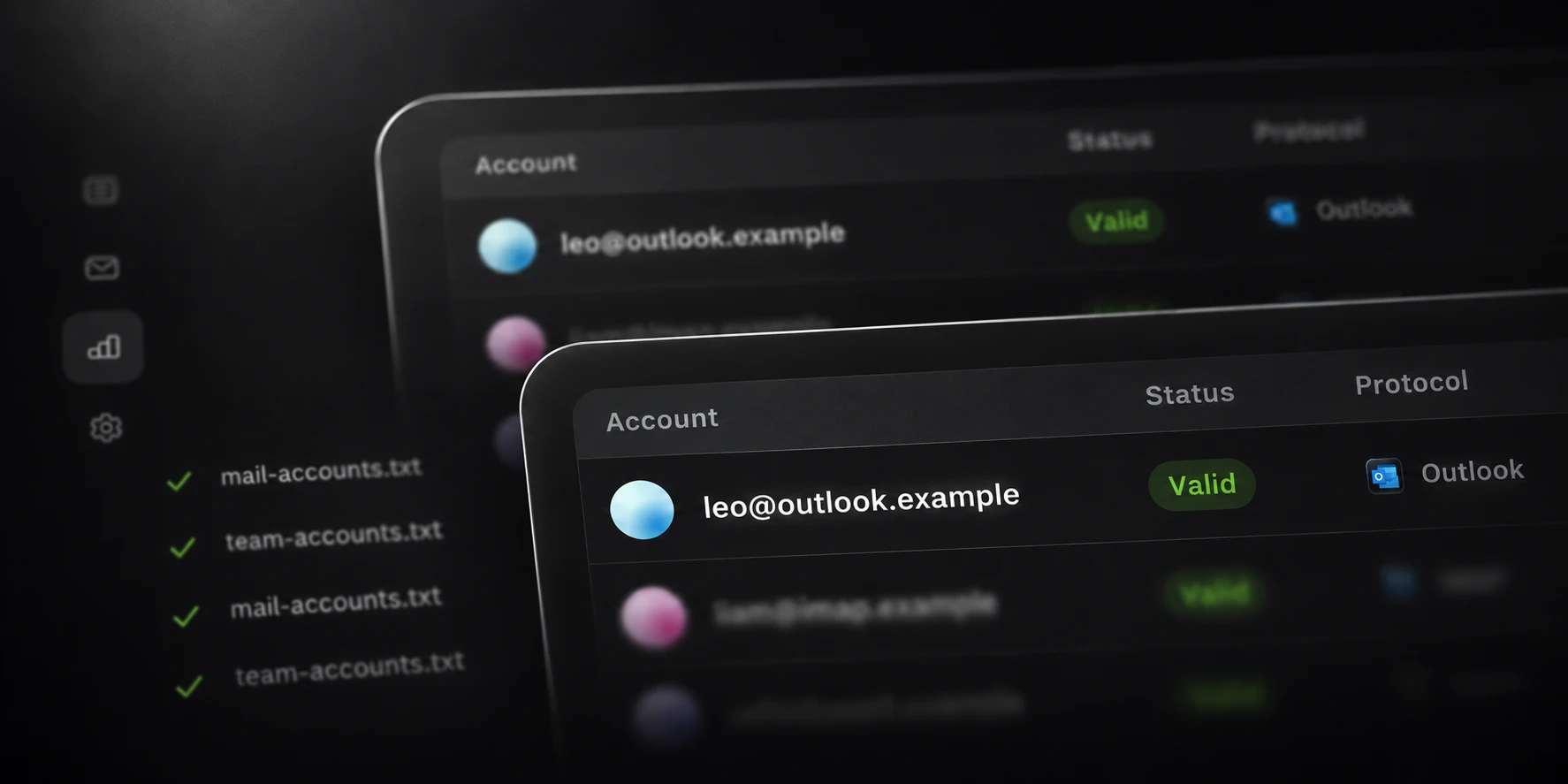
Mail keeps checking results in its results view and local History, with separate output files for statuses and errors. Test those files as well as the screen. Your next workflow may depend on being able to isolate unresolved accounts without mixing them with rejected credentials.

Check large-list behavior
Confirm the input storage needs, usable concurrency and output behavior. Mail Pro has no fixed input byte limit and supports up to 5,000 threads. Input needs temporary disk space, and providers or connections may support less concurrency.
During an evaluation, watch the full run rather than only its fastest interval. Check whether progress remains understandable, errors stay distinct, and the output retains accepted results when you stop a run. Include the time needed to finish retries and save results in your comparison.
Also establish where exported account rows and session files are written. Keep the output private and choose optional exports deliberately, especially when they contain authentication material.
Evaluate Mail against your workflow
Check Mail’s current product page for available plans and purchase terms. The useful evaluation is a representative set of your own authorized accounts, with expected outcomes recorded before you start.
Compare the reported status, method, original details and saved output for that sample. Then try a larger selection with the same settings. Choose the checker whose results you can explain and reuse, at a checking rate your providers and connection can sustain.