Remove Duplicate Lines From Large Text Files
Choose duplicate rules, check a small sample and deduplicate large local text files with Sort.
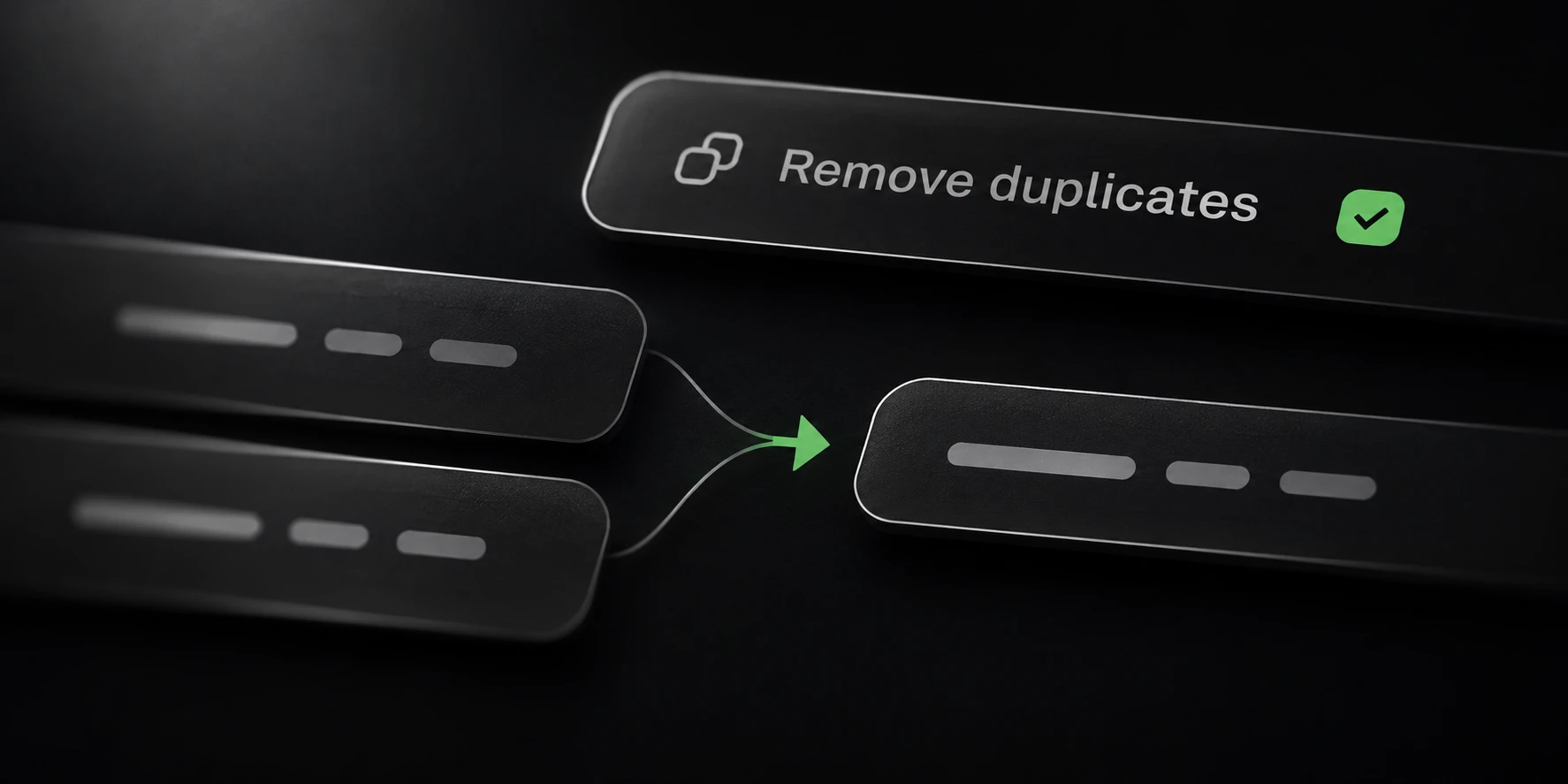
Removing duplicate lines from a large text file starts with a definition of a duplicate. Two rows can look alike in an editor while differing in case, spaces or other bytes. Decide which differences matter before applying the same rule to a much larger input.
Sort’s Deduper reads local files and writes a separate result. It is useful when opening the whole dataset in an editor is impractical. Input content is not uploaded.
Choose what counts as a duplicate
Deduper is case-sensitive by default. Treat that as a data decision: a case change can be meaningful in some records. Do not enable case folding merely because it produces fewer rows.
These illustrative rows contain one exact duplicate:
[email protected]
[email protected]
[email protected]
[email protected]
With case-sensitive matching, three distinct rows remain. A case-insensitive comparison treats the two spellings of alpha as the same value. This sample illustrates equality rules; it is not a throughput benchmark or a promise about the order of every processing module.
Deduplication does not validate the meaning of a row. It will not prove that an email account works, that a URL is reachable, or that a source record is accurate. Use the module that answers the actual question you need to ask.
Verify a small sample
Create a small file containing exact repeats, case variants and representative long rows from your own data. Add rows that must remain distinct. Keep the original file so the expected result can be checked independently.
Open Deduper, select the input and a local output folder, and review the duplicate options. Run the sample first. Check the saved rows themselves, rather than relying only on a reduced count in the interface.
If you also need to transform records, check the appropriate Cleaner or URL Cleaner behavior separately. Normalizing a row changes what is being compared. For arbitrary text, avoid assuming that a credential-specific cleaning rule is a general text transformation.
Run and review the output
Select the full input after the sample behaves as expected. Leave enough local disk space for the input, processing state and output. File size, number of unique rows, row length, storage speed and settings all affect the run; input bytes alone do not determine completion time.
Deduper saves its result as deduped.txt in the chosen output location. Review a sample of
saved rows and reconcile the reported counts with the completed operation. An interrupted run
is partial work, so retain that distinction when planning a follow-up.
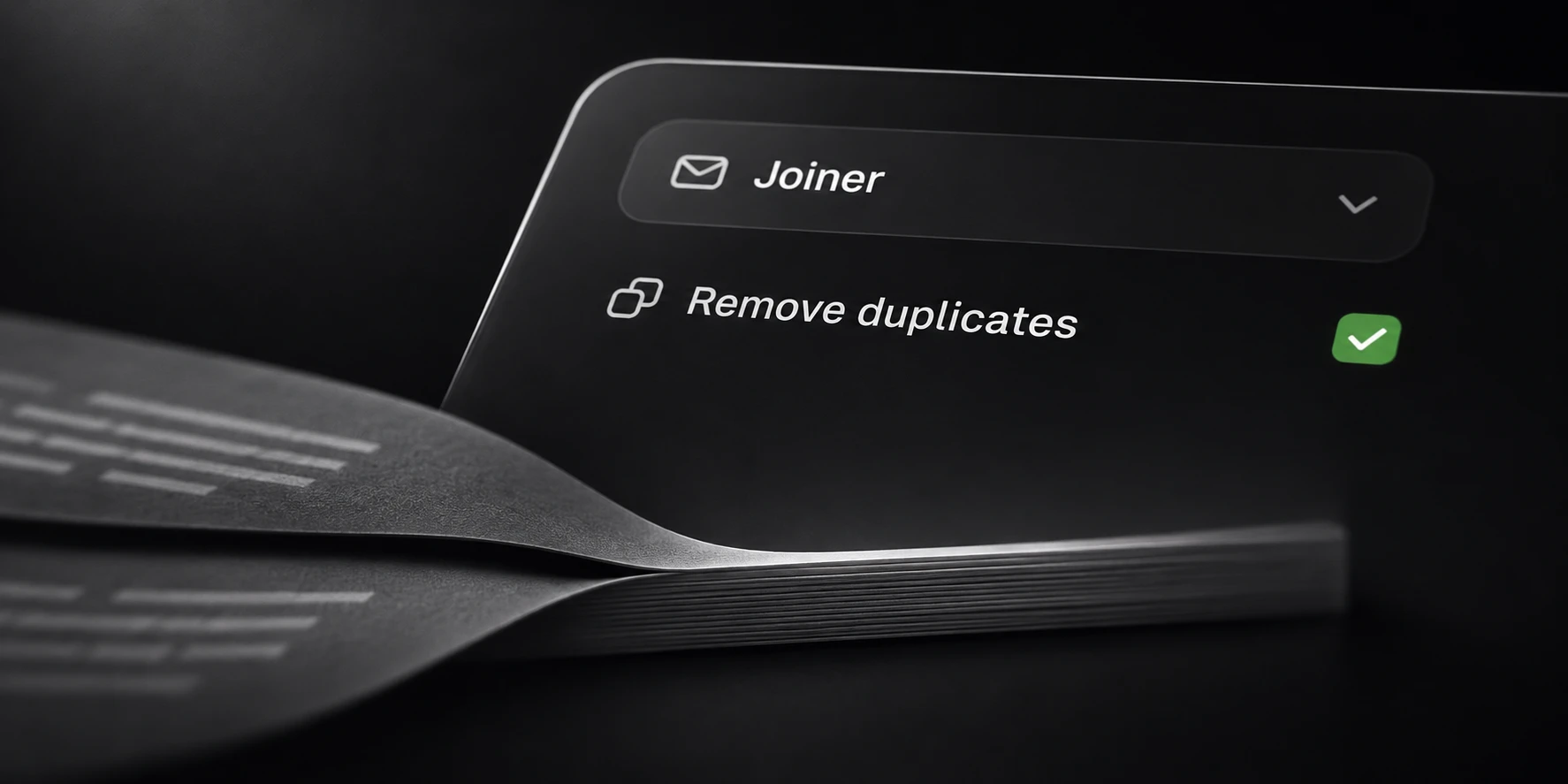
If you need to combine several overlapping files in one operation, Joiner can merge them with deduplication enabled. Its workflow is covered in the related guide. The module reference below lists the other tools and their output files.
Keep the accepted output and original source until your downstream checks are complete. A smaller file is useful only when the rows you intended to preserve are still present.