Seed Scan Results: Candidates, Coverage and Skipped Files
Read detected phrases and keys alongside file statuses, configured limits and skipped sources.
A useful Seed scan report has two parts: candidates that were found and the scope that was actually examined. Read them together. A result count without coverage can turn a partial scan into an incorrect conclusion about an entire backup.
Seed detects complete supported phrases and private-key formats. It does not fill in missing phrase words, verify ownership or report a wallet balance.
Understand what a candidate establishes
A phrase candidate passes the supported format and checksum checks. A key candidate matches a recognized private-key format. These checks identify text worth reviewing, not an account that has been authenticated.
Use the source path and line where available to inspect the original context. Test data, documentation examples and files unrelated to your intended backup can all need different handling.
Seed deduplicates identical phrases and keys within a run. One saved candidate can therefore represent text that occurred more than once in the scanned material.
The findings include raw material in local text and CSV reports. Protect those files as carefully as the backup itself. A support request should describe the scan settings and result category without including a real phrase or private key.
Check the scan’s coverage
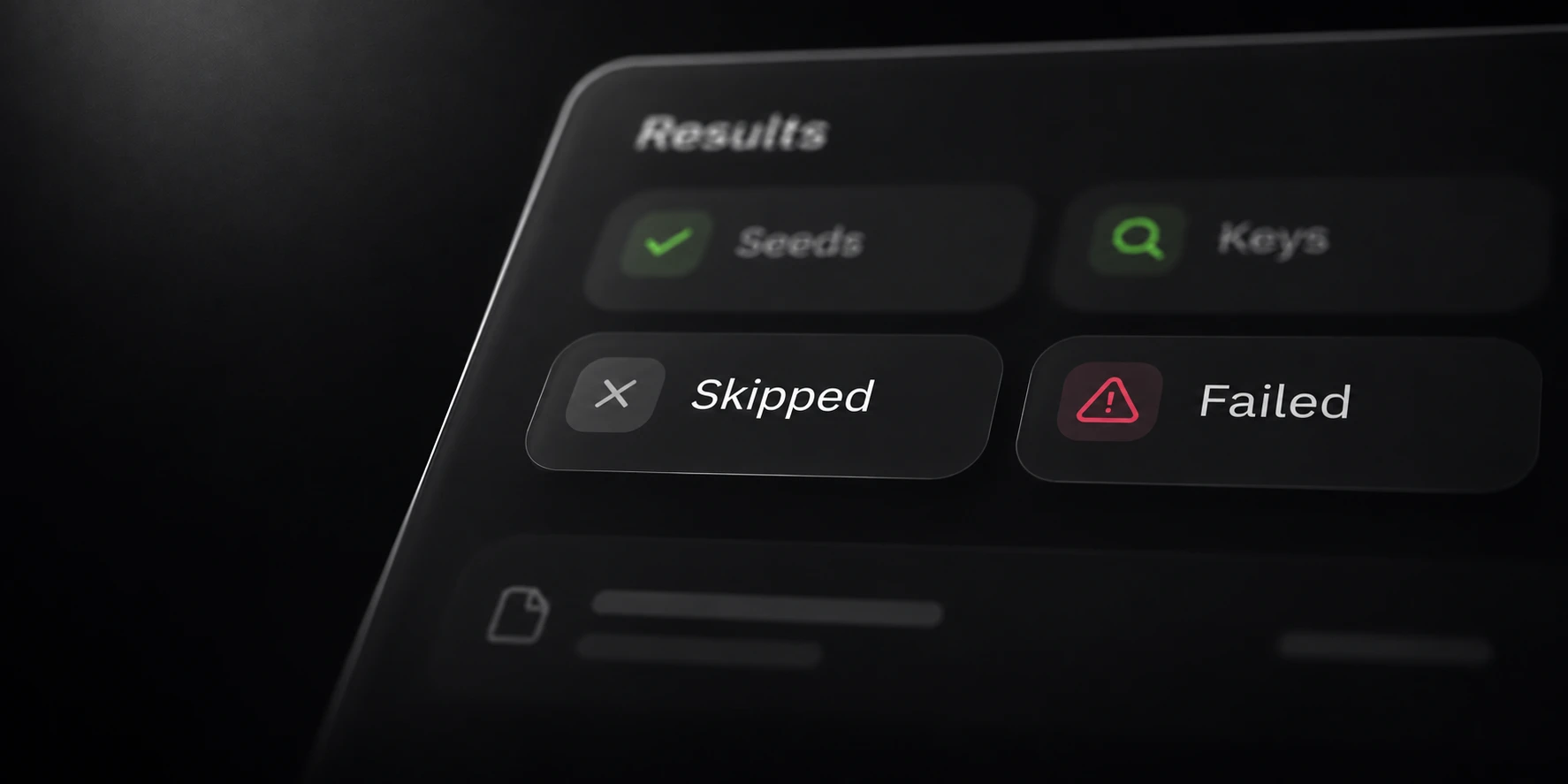
The file report records statuses and reasons. Review unreadable, oversized, excluded, binary and empty-extraction cases, along with disabled-image processing and any result-limit skips.
| Observation | What to check next |
|---|---|
| No candidates in scanned text | Confirm the intended source files were included. |
| Oversized file | Compare it with the configured file or document limit. |
| Archive content missing | Check whether ZIP scanning and nesting coverage apply. |
| Image skipped | Review whether optional hosted OCR was deliberately enabled. |
A configured limit is a boundary of the scan, not proof that skipped data contains nothing relevant. Keep counts for excluded or unreadable sources separate from successfully scanned files.
Document extraction and nested archive scanning have their own limits. Increasing a general file-size setting does not automatically remove every extractor or archive boundary.
Plan a focused follow-up scan
Start with the unexamined source category you intended to include. Confirm that Seed supports it before changing settings. A focused source folder is easier to evaluate than repeatedly rescanning a large unrelated tree.
Record the source, enabled categories, exclusions and active limits for each run. If you change one setting, compare the file-status report as well as the candidate count.
Optional image OCR sends selected supported images to hosted processing; the other scan paths remain local. Choose that option deliberately, using the product documentation to review supported formats and request limits.
Keep previous reports distinguishable from new output. A later scan may cover different material, so its findings should not silently replace the completion context of the earlier one.
Use the related preparation guide for a small evaluation workflow. The Seed documentation lists the supported formats and output reports used to review a complete scan.