Outlook and Hotmail Checker Results: Success, Invalid, 2FA and Locked
Read Outlook and Hotmail checking outcomes correctly: completed sign-in, rejected credentials, verification, locks and temporary errors.
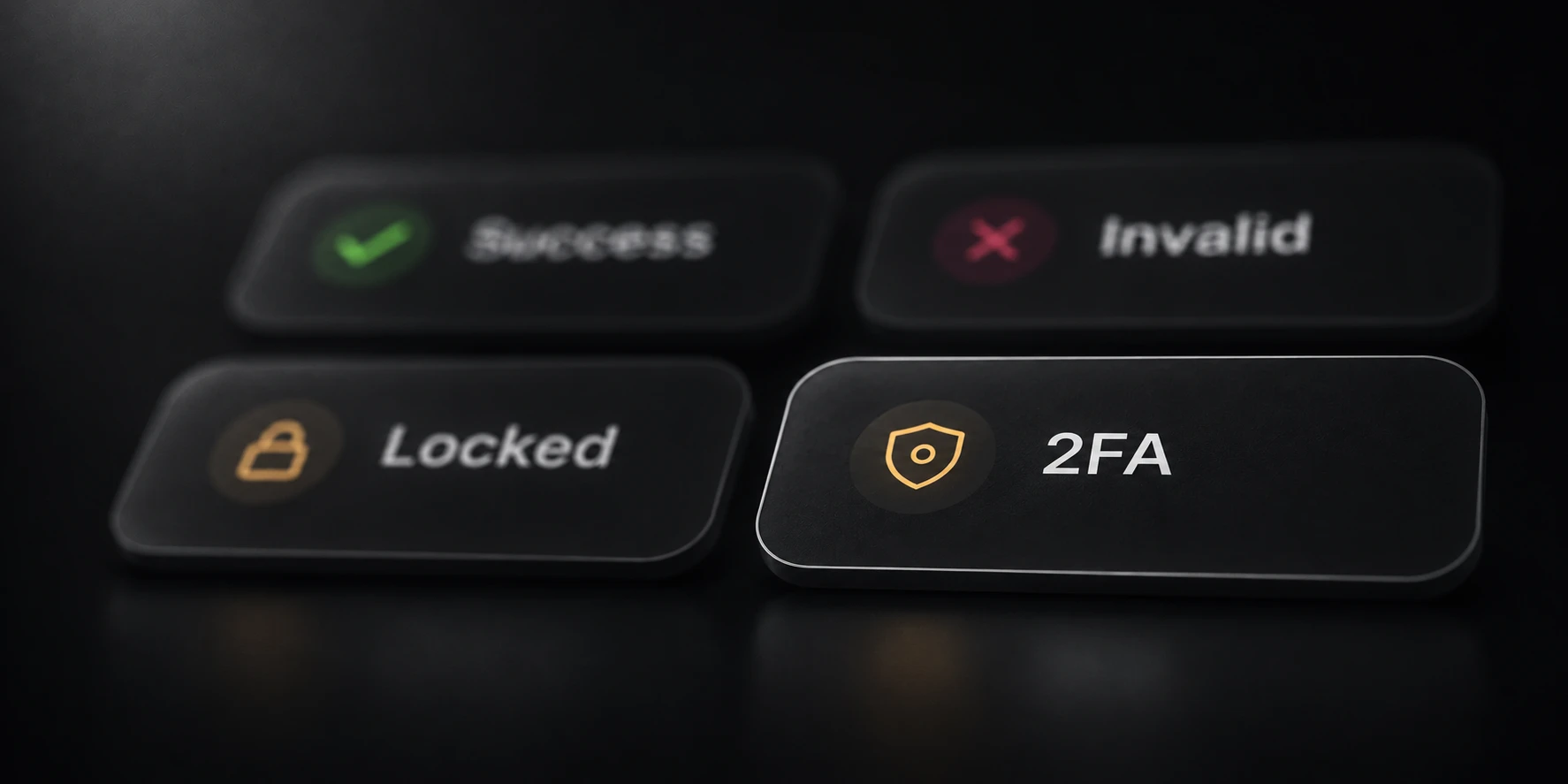
Outlook and Hotmail checking results should answer what happened during the sign-in attempt. Success, Invalid, 2FA required and Locked are different outcomes. A timeout or protocol error means the check did not establish the same conclusion as a completed sign-in or an explicit credential rejection.
Use this guide to read Mail’s native Outlook outcomes and decide what needs account action, what needs technical investigation, and which results are ready to keep as concluded checks.
Success requires completed access
Mail records Outlook Success after authentication completes with an access token. A flow that accepts a password but finishes without that token remains a Protocol error with the original cause retained. It is an incomplete sign-in.
Cookie presence is not a substitute for that criterion. A provider can set cookies before the full authentication sequence finishes. A saved cookie file therefore does not prove that the corresponding account completed access.
Keep optional account metadata separate too. A missing country value alone does not make an otherwise completed sign-in invalid. Read the authentication outcome rather than drawing a login conclusion from an empty profile field.
Invalid means credentials were rejected
Invalid means the provider rejected the supplied credentials during the check. Verify the exact address and password stored in your input before rechecking a known account. An already-open browser session may not have tested that saved password recently.
Mail’s optional invalid-login retry repeats the same method. It does not enable method fallback or prove that another route will accept the account. Keep the observed rejection and the retry settings recorded with the run.
Do not add timeout, proxy or connection-error rows to the Invalid group. Those outcomes did not establish a credential rejection and need their own investigation.

Read 2FA and verification carefully
A 2FA result means the provider requires additional verification in the sign-in flow. Read the original details to understand the request. The account owner should complete required actions through Microsoft’s account flow before treating a later check as a new observation.
Not every security-information page establishes 2FA. A skippable notice or a handoff toward recovery alone is not enough to classify an account that way. Keep the provider’s actual requirement distinct from a page that can be continued without completing verification.
If verification-code requests are being limited, follow Microsoft’s
verification troubleshooting guidance. It explains that excessive repeated requests can cause blocks. A checker retry does not complete the owner's verification requirement.Locked accounts need account action
Locked means the provider reported a blocked or disabled account state. It does not establish that changing the checker timeout or repeating the saved password will restore access.
Microsoft provides an account-lock guide and sign-in helper for account owners. Use that process to establish the current account state. Preserve the earlier checking result and its original explanation rather than rewriting it after an account has been recovered.
Password-change requirements are also separate account actions. Complete the requested change through the provider and update the saved login before making another check.
Keep temporary errors separate
| Result | What it means for the check |
|---|---|
| Rate limited | Requests were limited; login was not verified |
| Timed out | An operation did not finish before its deadline |
| Connection or proxy failure | The required connection could not complete |
| Protocol error | A response or sign-in sequence could not be completed or processed |
| Server error | The provider reported a server-side failure |
Open Details and keep the original cause. For example, an unfinished sign-in without a token needs a different investigation from a proxy that could not connect at all.
Retry only after understanding the affected condition, using a small authorized sample and recorded settings. Compare the later outcome with the preserved run. Keep any account that still lacks a final conclusion in the unresolved group.